
Gradient Mesh Posters
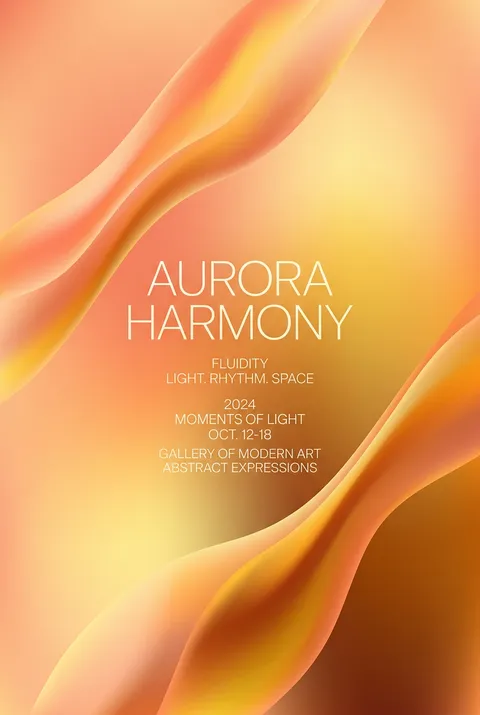
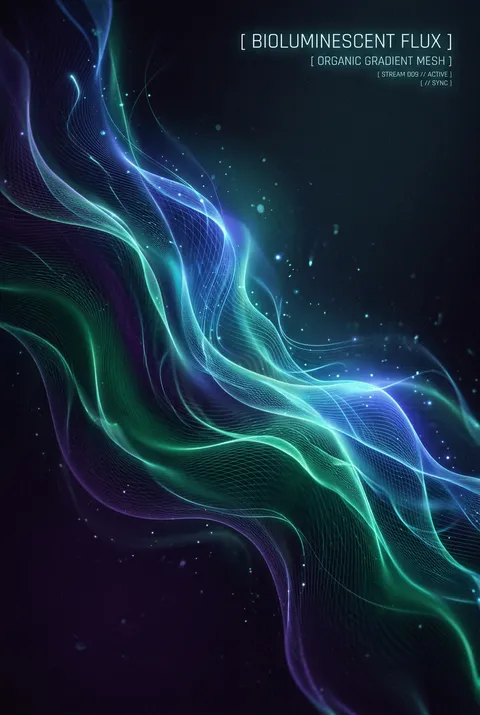
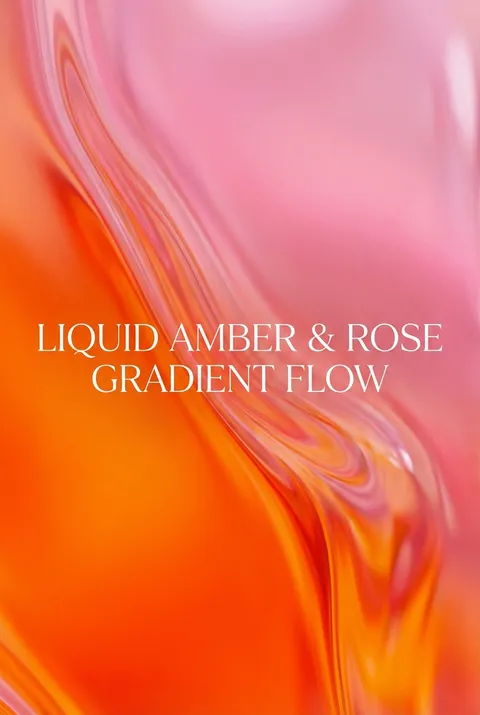
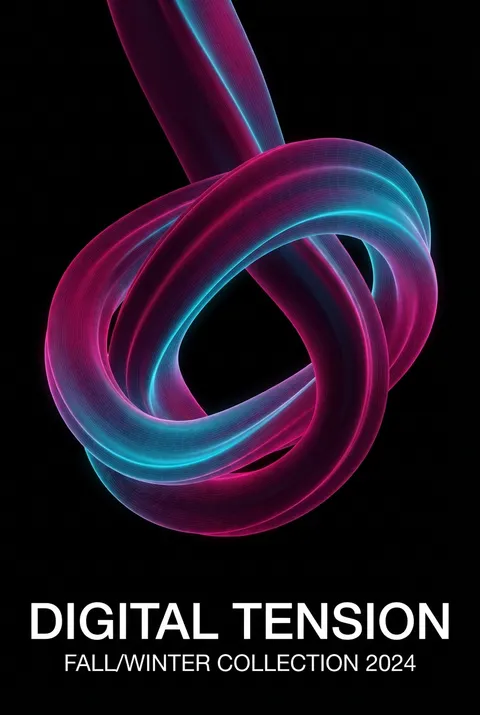
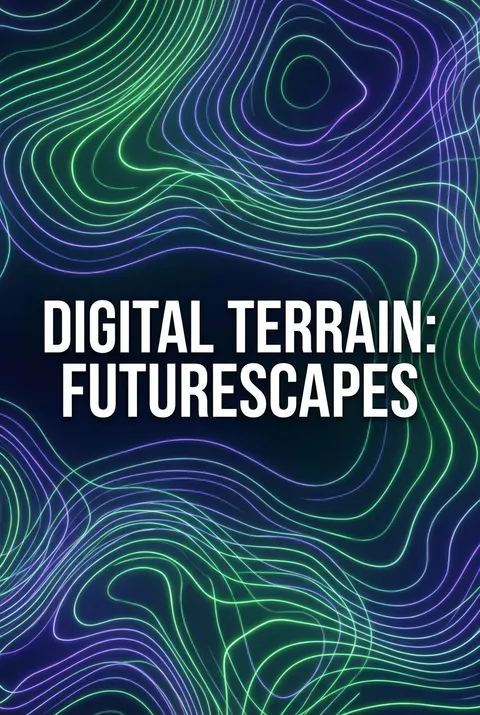
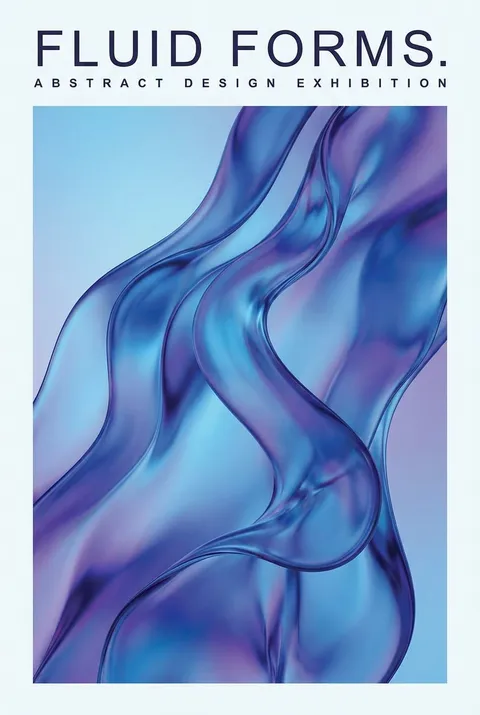
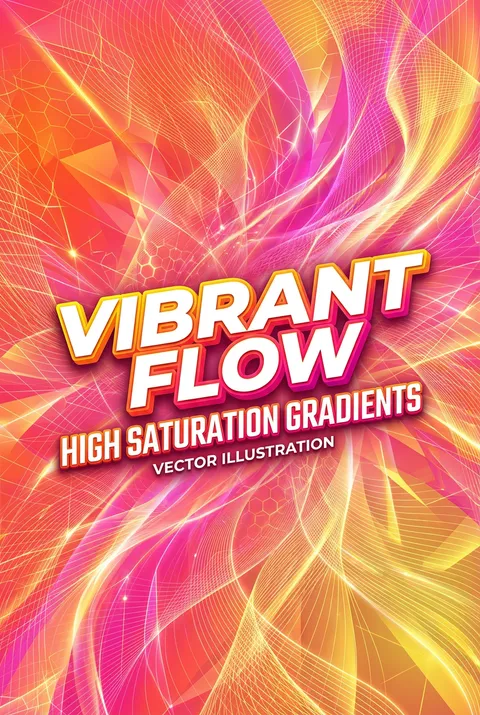
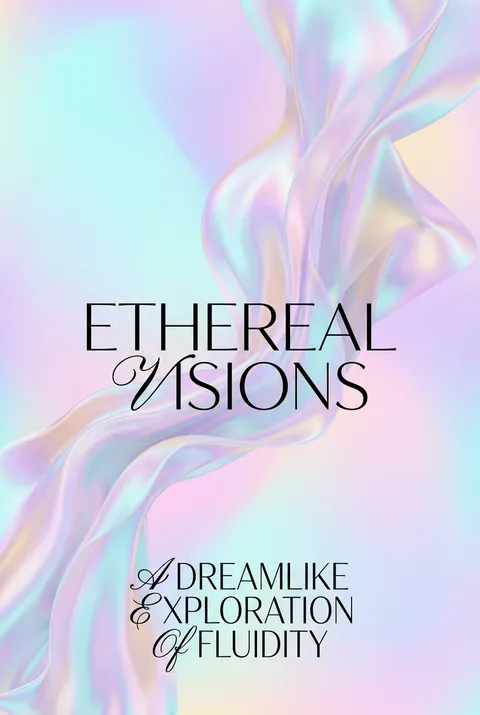
Introduced with Adobe Illustrator 8 in 1998, gradient mesh technology revolutionized vector art by enabling photorealistic color blending through intricate, interconnected grid points—an innovation showcased by artists like Yukio Miyamoto. The style approaches design as an exploration of color as atmospheric presence, embracing mesh’s ability to dissolve boundaries and create spatial depth where color transitions become the subject, not just a supporting element.
5 credits for new user registration. No credit card required.
Create Your Own Gradient Mesh Poster
Use our AI generator to design Gradient Mesh posters in seconds with full commercial rights.
Create Gradient Mesh Poster
Turn Ideas into Art in Seconds
Describe Your Vision
Simply type your idea or concept for the poster.
Select Gradient Mesh Style
Our AI applies the specific Gradient Mesh design rules to your concept.
Customize & Download
Fine-tune colors, add text, and export in high-resolution.
Why Designers Choose Us
The professional choice for AI-generated design
Instant Speed
Results in < 30s
CC0 License
100% Commercial Use
Fully Editable
Layer-by-layer control
High Res
Print-ready quality
About Gradient Mesh Design
History of Gradient Mesh
Design Philosophy
Related Keywords
Gradient Mesh FAQ
Quick answers about designing Gradient Mesh posters.
What is gradient mesh and how does it work?
Gradient mesh is a vector illustration technique that overlays a grid-like structure onto shapes, where each intersection point can hold a unique color. The software then calculates smooth color transitions between these points, creating realistic shading and highlights. Unlike standard gradients that blend linearly between two colors, mesh gradients allow complex, multi-directional color flows that can simulate three-dimensional forms and photorealistic effects.
What are the key components of a gradient mesh?
Gradient mesh consists of three main elements: mesh lines that form the grid structure and define color transition boundaries; mesh points at line intersections where colors are applied and controlled; and mesh patches—the areas between four points where colors blend. Each mesh point functions like an anchor point but with added capability to accept and influence surrounding colors.
What types of illustrations benefit most from gradient mesh technique?
Gradient mesh excels at creating photorealistic vector illustrations, particularly portraits, fruits, and objects requiring complex lighting and form. It's valuable for product visualization, detailed character illustrations, and any design requiring smooth tonal variations while maintaining vector scalability. The technique allows artists to achieve painterly effects with the precision and flexibility of vector graphics.
What tips help create better gradient mesh illustrations?
Start with fewer mesh points and add complexity gradually—excessive points become difficult to manage. Use the eyedropper tool to sample colors directly from reference photos for accurate color matching. Adjust bezier handles to control transition smoothness: shorter handles create sharper changes while longer handles produce gentler blends. For realism, use tonal variations of the same color family for highlights and shadows rather than dramatically different hues.
Ready to design your next poster?
Create Gradient Mesh Poster