
Dark Mode Posters
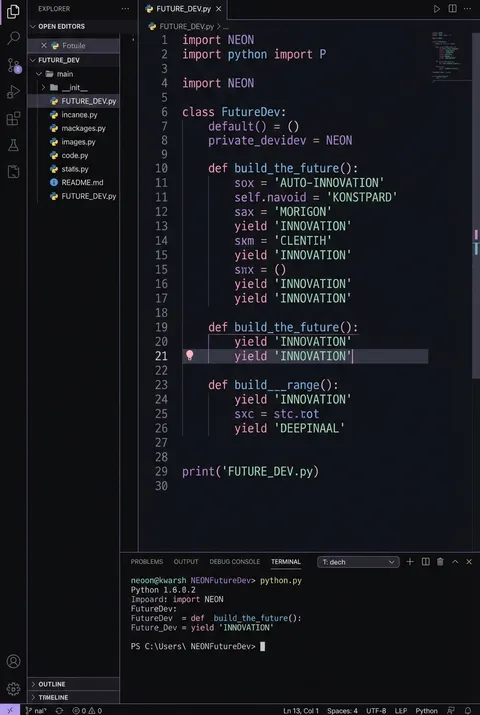
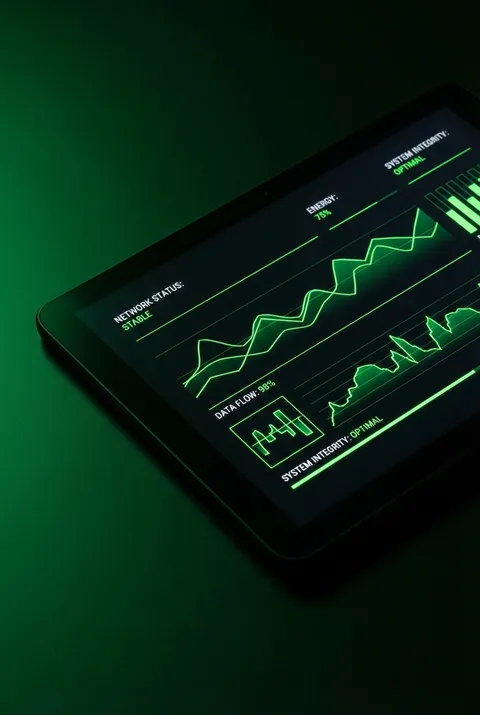
Originating in early computing’s monochrome displays and revived in the late 2010s with advances in display technology and user experience research, dark mode design reexamines visual priorities for screen-based environments. Its philosophy prioritizes subtlety and restraint—eschewing harsh contrasts in favor of nuanced luminance, refined color calibration, and hierarchies built through careful light management, all attuned to the psychological and physiological realities of the modern digital viewer.
5 credits for new user registration. No credit card required.
Create Your Own Dark Mode Poster
Use our AI generator to design Dark Mode posters in seconds with full commercial rights.
Create Dark Mode Poster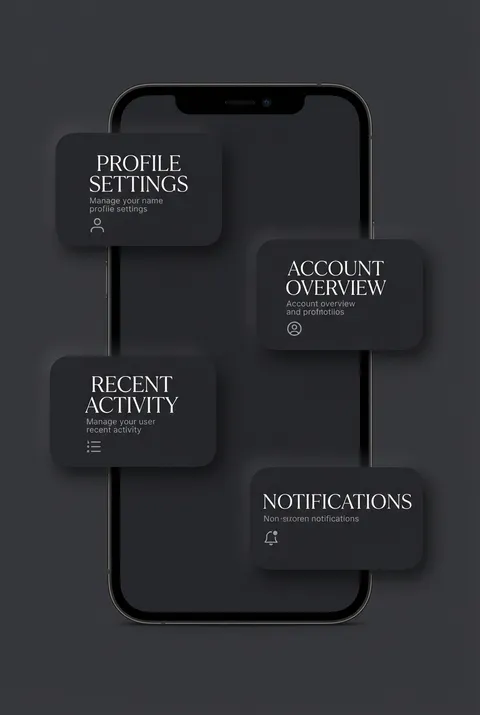



The Art of Dark Mode?
Turn Ideas into Art in Seconds
Describe Your Vision
Simply type your idea or concept for the poster.
Select Dark Mode Style
Our AI applies the specific Dark Mode design rules to your concept.
Customize & Download
Fine-tune colors, add text, and export in high-resolution.
Why Designers Choose Us
The professional choice for AI-generated design
Instant Speed
Results in < 30s
CC0 License
100% Commercial Use
Fully Editable
Layer-by-layer control
High Res
Print-ready quality
About Dark Mode Design
History of Dark Mode
Design Philosophy
Dark Mode FAQ
Quick answers about designing Dark Mode posters.
What are the main benefits of dark mode design?
Dark mode offers several practical advantages: reduced eye strain in low-light environments, decreased blue light emission which may improve sleep patterns, and significant battery conservation on OLED screens. Users with light sensitivity often find dark interfaces more comfortable for extended use, though individual preferences and visual conditions vary.
What color contrast requirements apply to dark mode?
Accessible dark mode design requires a minimum contrast ratio of 4.5:1 between text and background colors. Rather than pure black (#000000), designers should use dark gray shades like #121212 for softer contrast. Text should avoid pure white to reduce harsh glare; desaturated colors and pastels work better than highly saturated hues.
How should colors be chosen for dark mode interfaces?
Effective dark mode design uses desaturated colors rather than vibrant, saturated ones. Bright neon accents should be used sparingly to prevent visual fatigue and uncomfortable 'vibrating' effects. Earth tones and muted accent colors maintain readability while avoiding the harsh contrasts that can cause eye strain during extended viewing.
What are best practices for implementing dark mode?
Key practices include providing easy toggle switches between light and dark modes, respecting system-level preferences automatically, and testing designs across multiple devices and lighting conditions. Designers should offer user customization options for text size and contrast levels, and ensure all elements remain accessible when tested with screen readers and assistive technologies.
Ready to design your next poster?
Create Dark Mode Poster