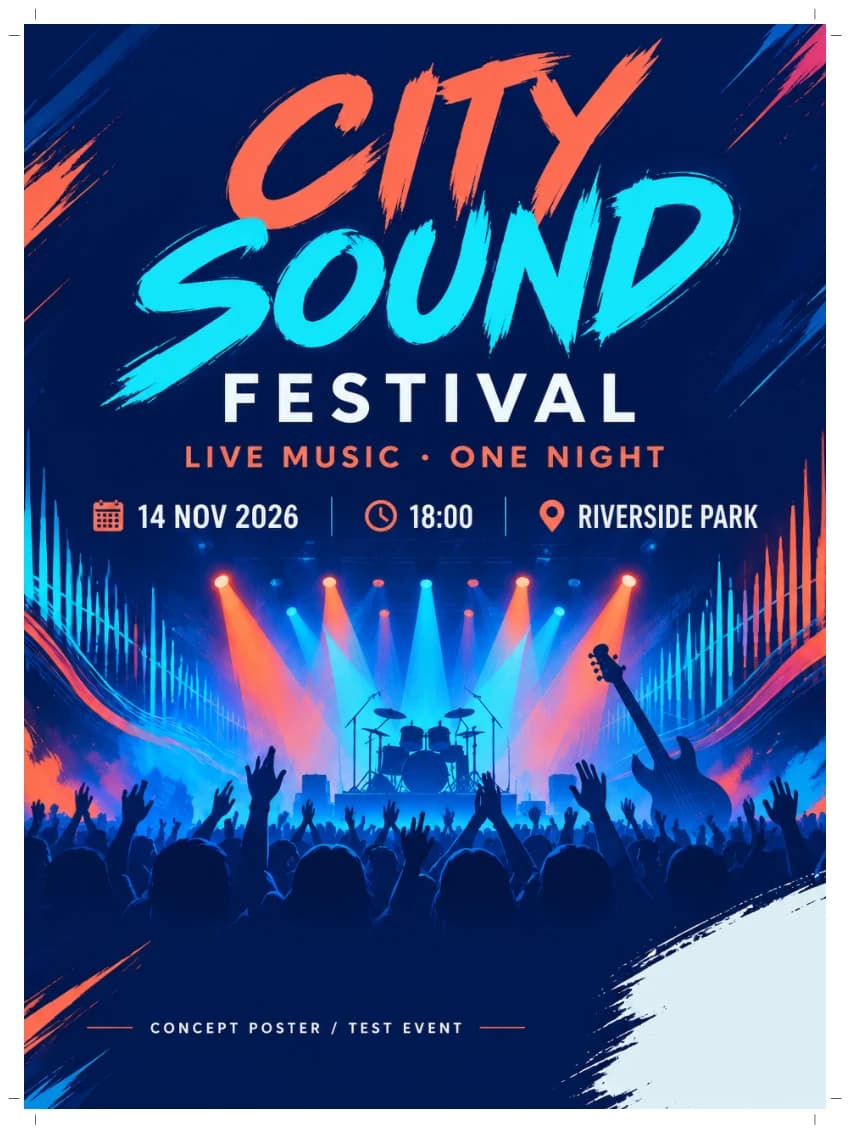
Free Image Tools for Poster Creators
Use the current public image tools for conversion, compression, and social-media sizing after you export a poster.
Current scope
These public image tools currently run in your browser and are designed for one image at a time. The current file limit for the core flows is 20MB.
Format Conversion
Image Converter
Convert common image formats in the browser after exporting a poster or preparing an upload.
WebP to JPG Converter
Convert WebP exports into JPG when you need wider compatibility across uploads, email, or older apps.
HEIC to JPG Converter
Convert iPhone HEIC photos to universally compatible JPG. Free, instant, and private.
PNG to JPG Converter
Convert PNG images to smaller JPG files. Great for reducing poster file sizes.
JPG to PNG Converter
Convert JPG images to lossless PNG format. Perfect for poster editing workflows.
SVG to PNG Converter
Convert SVG vector graphics to high-quality PNG images for poster compositions.
AVIF to JPG Converter
Convert AVIF images to universally compatible JPG. Free, instant, and private.
WebP to PNG Converter
Convert WebP images to lossless PNG format with transparency support.
Compression
Image Compressor
Reduce file size for uploads, sharing, or faster loading with the current browser-side compression flow.
JPG Compressor
Compress JPG images with fine-grained quality control. See the compression ratio in real time.
PNG Compressor
Optimize PNG files or convert to WebP for much smaller sizes while keeping transparency.
Reduce Image Size
Compress images to a target file size. Perfect for meeting upload limits on forms, emails, and platforms.
Image Resizer
Resize images to exact pixel dimensions or by percentage. Lock aspect ratio for proportional scaling.
Image Cropper
Crop your images to the perfect frame. Choose a preset ratio or crop freely.
Social Media
Create AI Posters
Turn your images into professional poster designs with AI
Try Poster Generator