
Glitch Posters
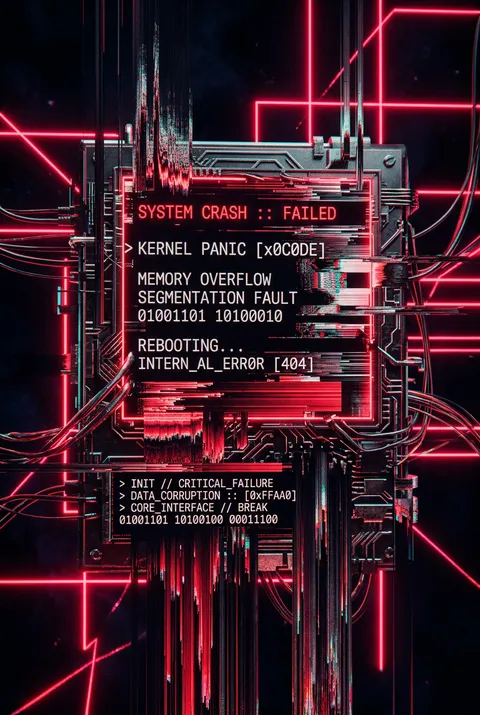
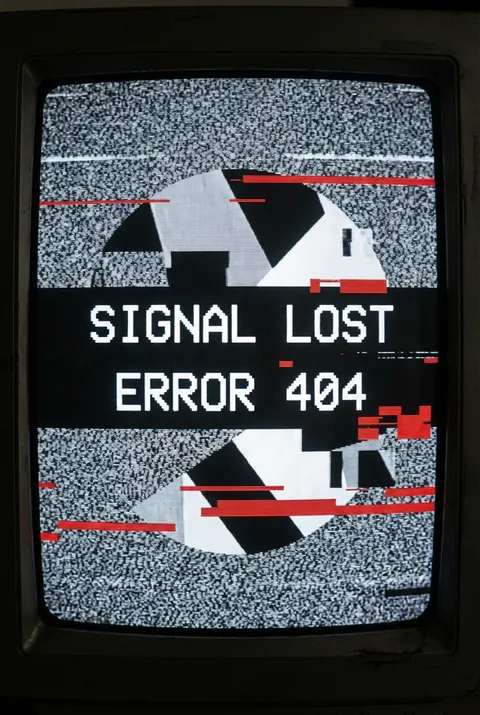
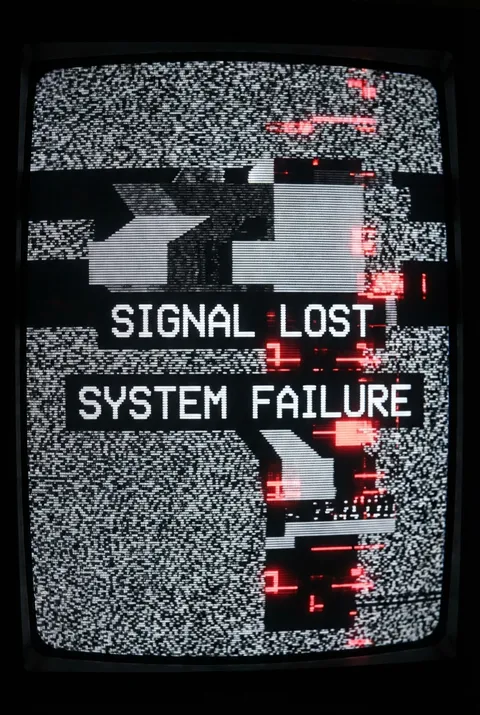
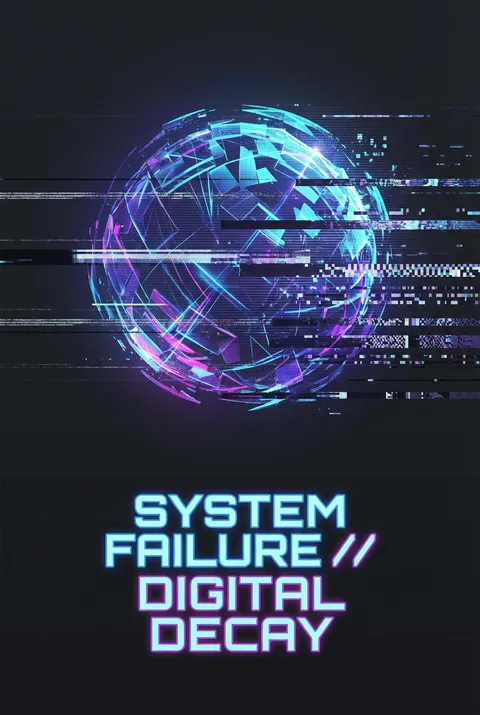
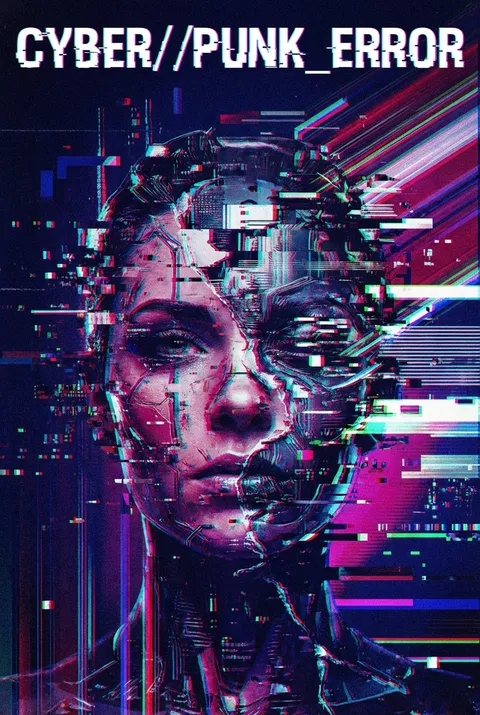
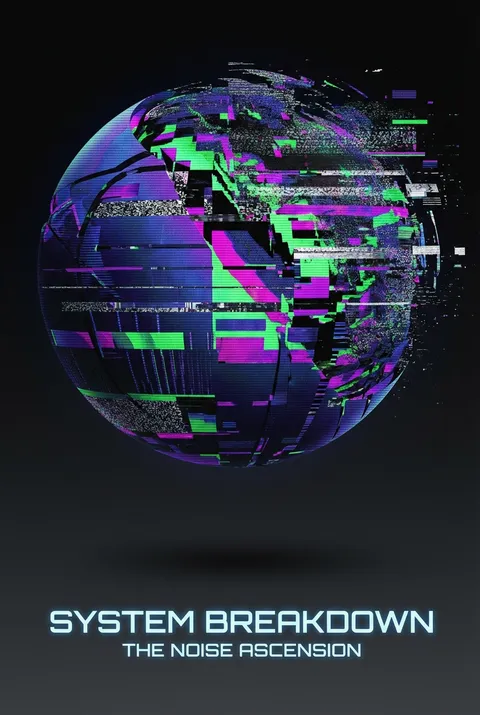
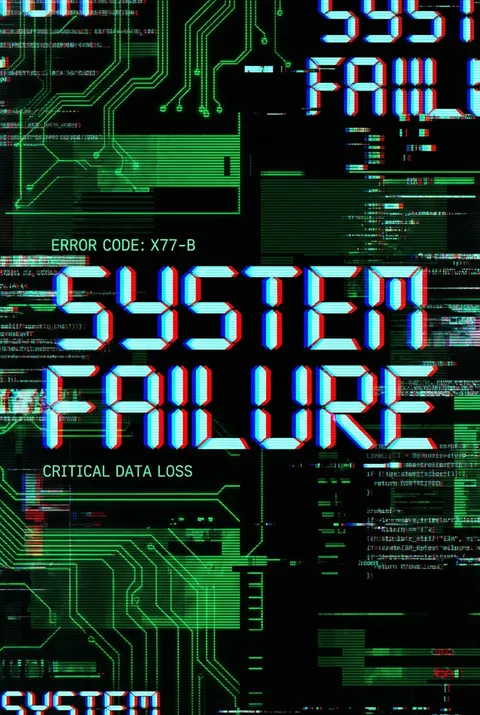
Glitch art took shape in the early 2000s as digital artists like Cory Arcangel, JODI, and Rosa Menkman began mining technological failures for creative potential. The philosophy reframes errors, crashes, and corrupted data not as flaws but as windows into digital systems’ fragility—embracing visual malfunctions to reveal the hidden, constructed realities beneath seamless interfaces. Glitch design asserts that breakdown itself is a powerful source of aesthetic revelation.
5 credits for new user registration. No credit card required.
Create Your Own Glitch Poster
Use our AI generator to design Glitch posters in seconds with full commercial rights.
Create Glitch Poster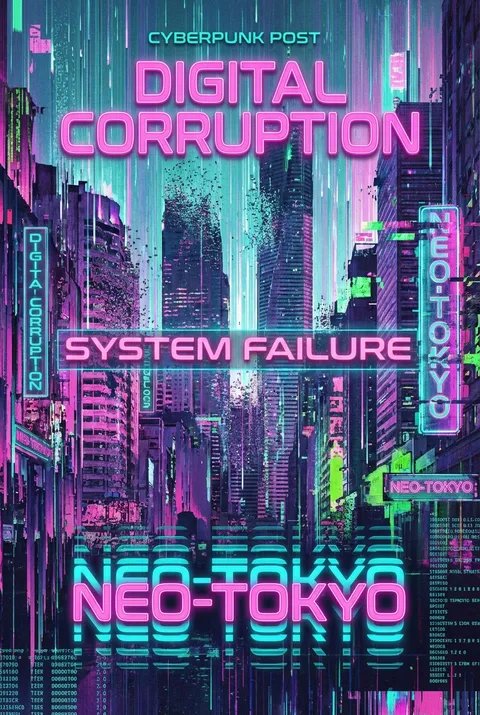
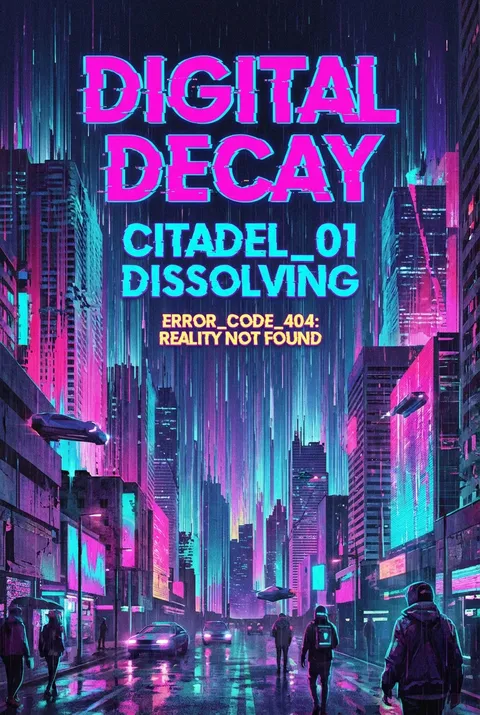
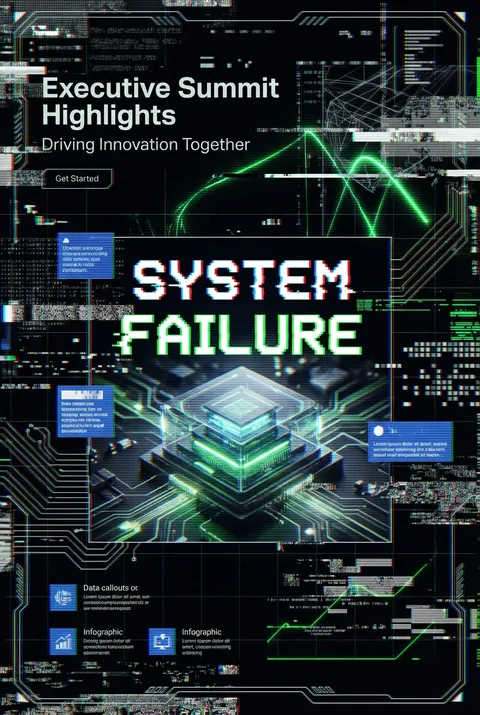
The Art of Glitch?
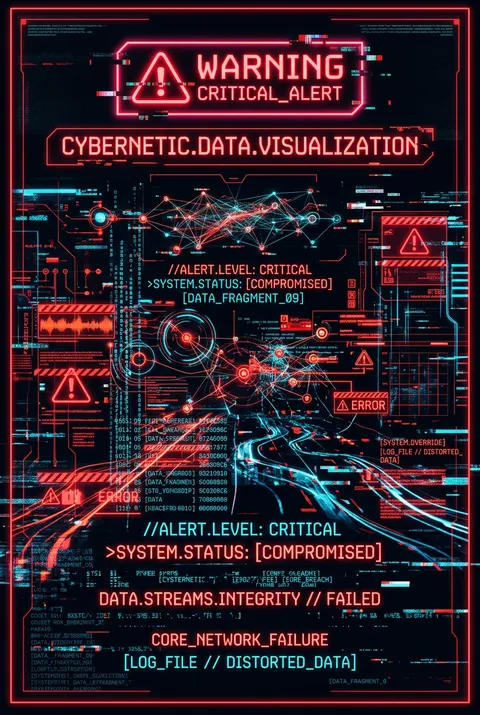
Turn Ideas into Art in Seconds
Describe Your Vision
Simply type your idea or concept for the poster.
Select Glitch Style
Our AI applies the specific Glitch design rules to your concept.
Customize & Download
Fine-tune colors, add text, and export in high-resolution.
Why Designers Choose Us
The professional choice for AI-generated design
Instant Speed
Results in < 30s
CC0 License
100% Commercial Use
Fully Editable
Layer-by-layer control
High Res
Print-ready quality
About Glitch Design
History of Glitch
Design Philosophy
Related Keywords
Glitch FAQ
Quick answers about designing Glitch posters.
How do I get started with glitch art?
Glitch art involves intentionally manipulating digital images, videos, or audio files to introduce unexpected visual effects. Unlike traditional art, glitch aesthetics celebrate imperfections and distortions, leveraging pixelation, color shifts, and other digital anomalies. Adobe Photoshop is dominant for glitch art, but alternatives include GIMP, Pixelmator, and Paint.NET.
How to create a glitch effect poster in Photoshop?
Key techniques include using the Blend tool in Illustrator, integrating the Displace effect to create a dispersed look, and achieving a glitch effect by combining the Displace effect and Wave effect. Apply the Displace filter (Filter > Distort > Displace) with Horizontal Scale at 20 and Vertical Scale at 10.
What illustration styles work best for glitch art?
The glitch art process works best with vector illustrations that have strong outlines and hard geometric shapes, similar to pop art or cubism. Applying a Transparency Mask to illustrations forces Illustrator to crop textures without rasterizing and fractures the artwork into hundreds of pieces.
How to create chromatic glitch text effects?
You can create a grunge poster with shattered glitch text by applying warped glitching text effects. Displacement maps contribute largely to distortion effects for warping objects, texts, or photography. This technique is perfect as abstract backgrounds or elements for poster designs.
What are the technical requirements for glitch poster actions?
When using glitch poster Photoshop actions, make sure your color mode is RGB, your channel bit is 8 bits/channel, and for best results use photos with high dimensions (minimum width of 3000px). You can turn high-contrast compositions into noisy and pixelated artworks with a retro geometric aesthetic.
Ready to design your next poster?
Create Glitch Poster