
Pinterest Posters
Pinterest posters optimized for vertical pins with clear headlines and step visuals. Built for guides, lists, and inspiration boards.
5 credits for new user registration. No credit card required.
Create Your Own Pinterest Poster
Use our AI generator to design Pinterest posters in seconds with full commercial rights.
Create Pinterest Poster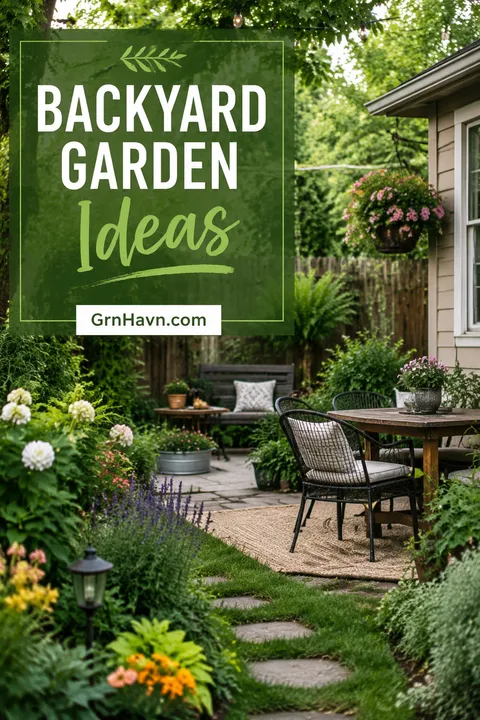
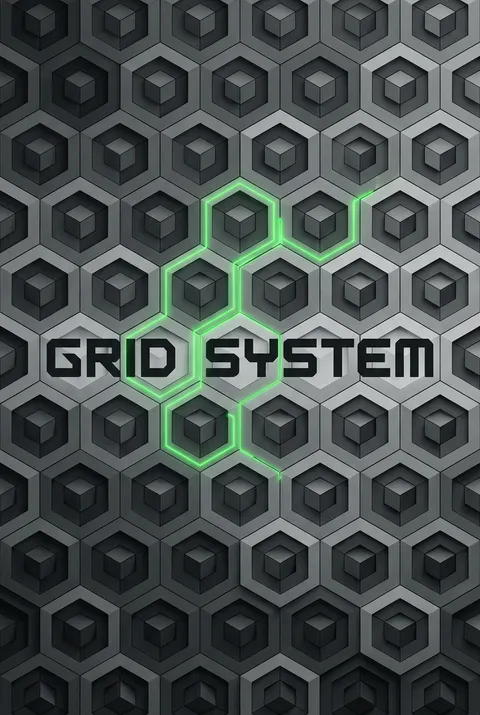
The Art of Pinterest?
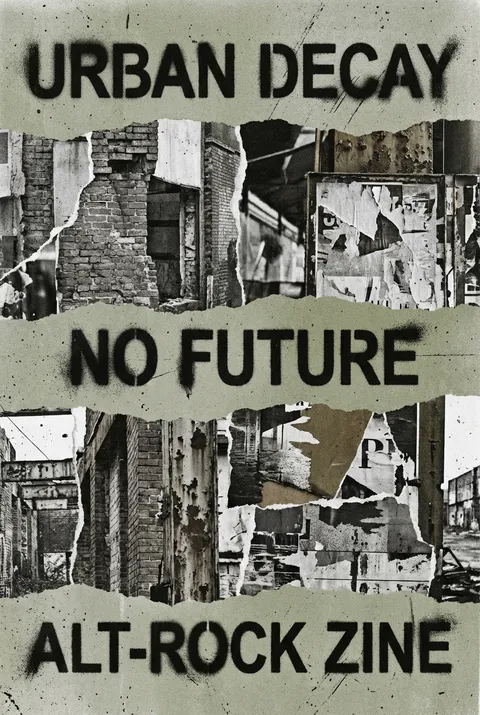
Watch: Creating a Poster in 30s
Turn Ideas into Art in Seconds
Describe Your Vision
Simply type your idea or concept for the poster.
Select Pinterest Style
Our AI applies the specific Pinterest design rules to your concept.
Customize & Download
Fine-tune colors, add text, and export in high-resolution.
Why Designers Choose Us
The professional choice for AI-generated design
Instant Speed
Results in < 30s
CC0 License
100% Commercial Use
Fully Editable
Layer-by-layer control
High Res
Print-ready quality
Related Keywords
Pinterest FAQ
Quick answers about designing Pinterest posters.
What are the different Pinterest pin sizes?
Standard Pin: 1000×1500px (2:3 ratio)—ideal format. Video Pin: 1000×1500px or 1080×1920px. Idea Pin: 1080×1920px (9:16). Board Cover: 1000×1500px. Keep files under 5MB for fast loading. Use JPG or PNG format.
What design tips improve Pinterest pin engagement?
Use high-quality visuals with text overlays and clear calls-to-action. Minimum 24pt font for mobile readability. Keep text and focal visuals away from edges—cropping occurs in feed previews. Add your logo or brand colors for recognition across pins.
What common mistakes should be avoided in Pinterest design?
Never use horizontal formats—rotate, crop, or add design elements to force vertical orientation. Avoid oversized files that slow loading—compress to 2-5MB. Don't overcrowd with text—simplicity drives engagement. Skip generic imagery that blends into the feed.
Can AI help create Pinterest pins?
Yes. AI generators offer Pinterest-optimized templates with 2:3 vertical formats. Create eye-catching pins with text overlays, brand elements, and compelling visuals. Batch-create pins for efficient content calendars.
Ready to design your next poster?
Create Pinterest Poster