
LinkedIn Posters
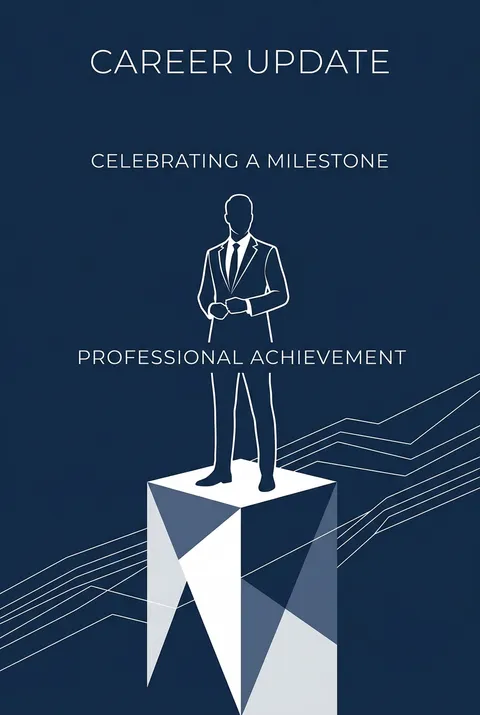
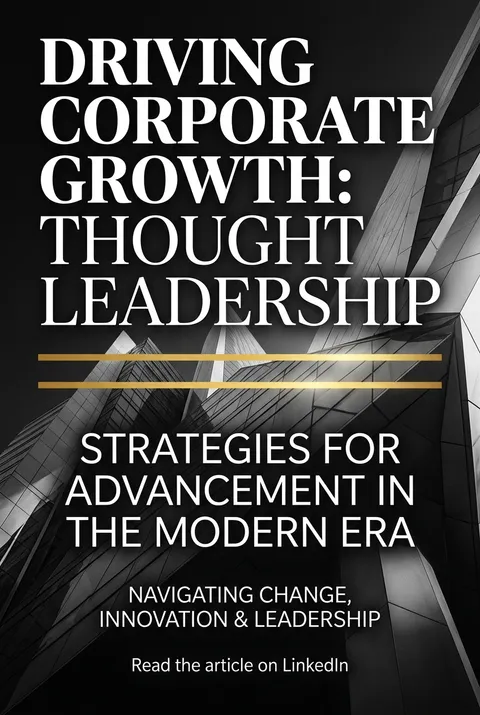
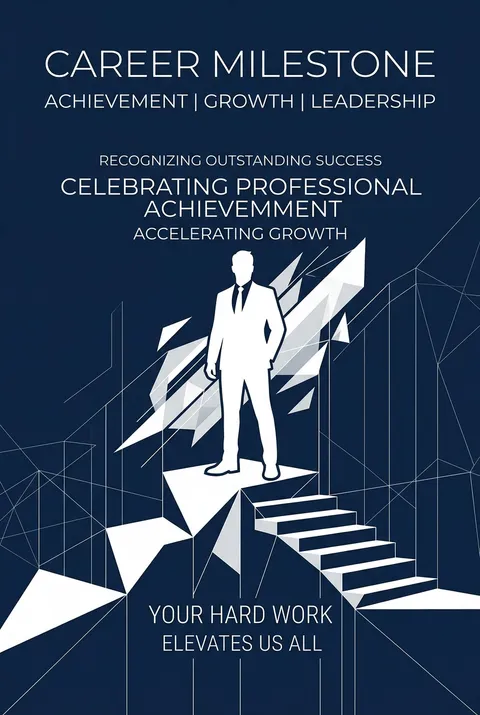
LinkedIn posters with professional layouts, stats, and hiring messages. Built for company updates, thought leadership, and B2B content.
5 credits for new user registration. No credit card required.
Create Your Own LinkedIn Poster
Use our AI generator to design LinkedIn posters in seconds with full commercial rights.
Create LinkedIn Poster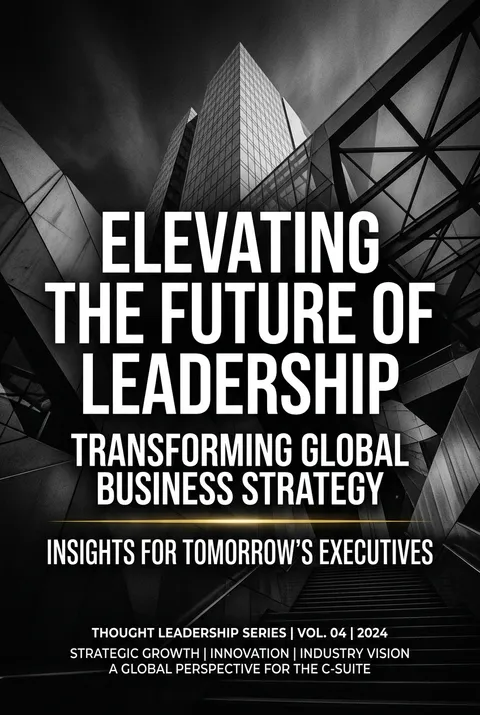

The Art of LinkedIn?
Watch: Creating a Poster in 30s
Turn Ideas into Art in Seconds
Describe Your Vision
Simply type your idea or concept for the poster.
Select LinkedIn Style
Our AI applies the specific LinkedIn design rules to your concept.
Customize & Download
Fine-tune colors, add text, and export in high-resolution.
Why Designers Choose Us
The professional choice for AI-generated design
Instant Speed
Results in < 30s
CC0 License
100% Commercial Use
Fully Editable
Layer-by-layer control
High Res
Print-ready quality
About LinkedIn Design
LinkedIn Post Design - Professional Banners & Posts
Related Keywords
LinkedIn FAQ
Quick answers about designing LinkedIn posters.
What size should LinkedIn banners be?
Personal profile banner: 1584×396px (4:1 ratio). Company page banner: 1128×191px. Design with the safe zone in mind—crucial elements near edges may be cropped on mobile. High-resolution images prevent blurriness on larger screens.
How does LinkedIn display banners differently across devices?
Desktop shows full banner width; mobile crops sides significantly, focusing on the center. Place critical content (text, logos, CTAs) in the center area. Test on multiple devices before finalizing.
What are best practices for LinkedIn banner design?
Update regularly to reflect current achievements. Maintain brand consistency with your professional identity. Use minimal text and clear visuals. Include a subtle call-to-action. Ensure colors and style match your personal or company brand.
What file formats work best for LinkedIn?
JPEG and PNG are optimal. Keep file sizes under 8MB for quick loading. Use high-resolution images—over 60% of LinkedIn users are on mobile and notice quality differences. AI tools export LinkedIn-optimized formats automatically.
Ready to design your next poster?
Create LinkedIn Poster