
Conference Posters
Conference posters highlighting agenda, speakers, venue, and registration. Professional layouts for tech summits, business forums, and expos.
5 credits for new user registration. No credit card required.
Create Your Own Conference Poster
Use our AI generator to design Conference posters in seconds with full commercial rights.
Create Conference Poster


The Art of Conference?
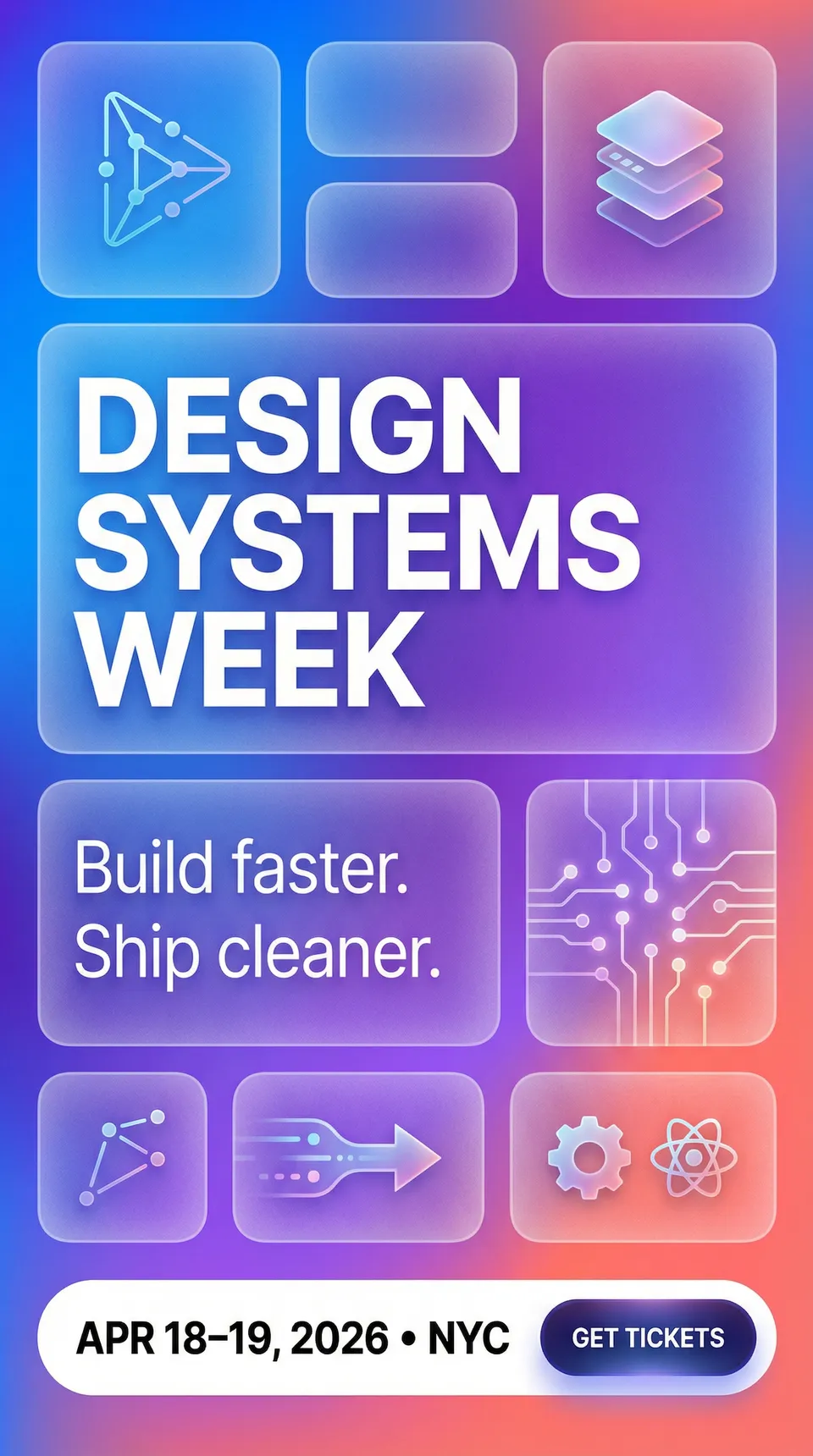
Turn Ideas into Art in Seconds
Describe Your Vision
Simply type your idea or concept for the poster.
Select Conference
Our AI applies the specific Conference design rules to your concept.
Customize & Download
Fine-tune colors, add text, and export in high-resolution.
Why Designers Choose Us
The professional choice for AI-generated design
Instant Speed
Results in < 30s
CC0 License
100% Commercial Use
AI Editing
Edit compatible 1K/2K posters you own. 4K posters are download-only.
High Res
Print-ready quality
Related Keywords
Conference FAQ
Quick answers about designing Conference posters.
How should I lay out a conference announcement poster?
Lead with the conference name and main topic, then show the date, venue or online format, and key speakers. Group the agenda highlights together and give the registration link or call to action a clear position. An academic research poster uses a different structure; this page focuses on promoting a conference.
What information should a conference poster include?
Include the event name, date and time, location, a short description of who should attend, and how to register. Add confirmed speakers or agenda highlights when available. Keep details brief enough to read at the intended display size, and verify names, times, and links before sharing.
How can I make a conference poster with Poster?
Choose a visual style and describe the event, intended audience, title, and essential details in the generator. Review the generated image for text accuracy and visual hierarchy before downloading. AI editing is available for compatible 1K/2K posters you own; 4K posters are download-only.
What size should my conference announcement poster be?
Choose the orientation and dimensions required by the event or publishing channel. For a printed announcement, check the downloaded image dimensions against the intended print size and the printer’s requirements. For a research presentation, follow the organizer’s separate academic-poster specifications rather than assuming the announcement format applies.
Ready to design your next poster?
Create Conference Poster