Original
Edited
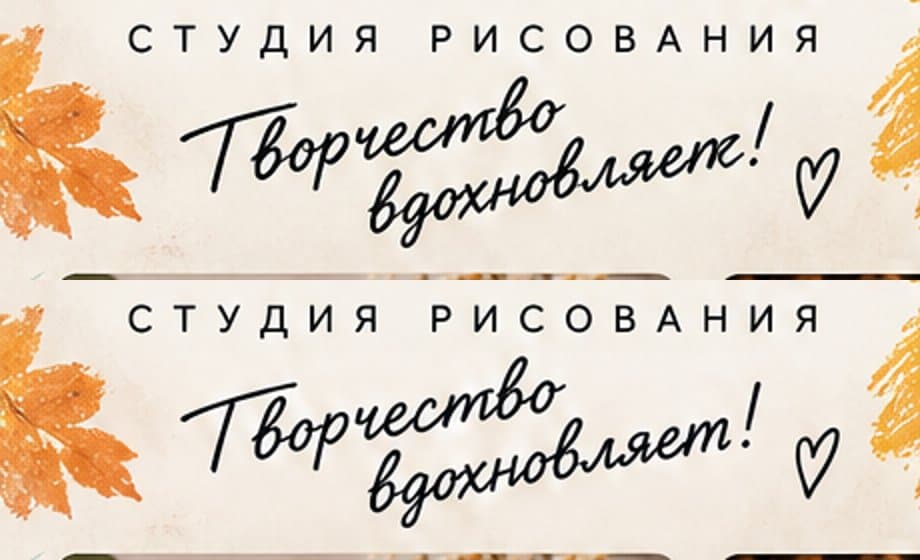
AI Poster Text Modification
Select text in the poster to correct typos, change dates, or update promotional copy while seamlessly preserving typography and aesthetics.
Share your poster to Community. Get likes, climb the leaderboard, earn credits.
View Leaderboard
Built-in Editor
A dedicated editing tool designed for posters generated on our platform. Enjoy free manual layer and layout adjustments, modify text or replace objects on demand with AI, and export high-resolution designs anytime.
Real before-and-after captures from AI editing tests. Fix typos, update text, or replace objects while preserving the design style and texture.
Note: AI semantic editing is available for your standard posters (1K/2K) generated here that show an “Edit” button in My Creations. It does not support arbitrary external posters or other users’ work. The examples below are real AI edit captures.
Select text in the poster to correct typos, change dates, or update promotional copy while seamlessly preserving typography and aesthetics.
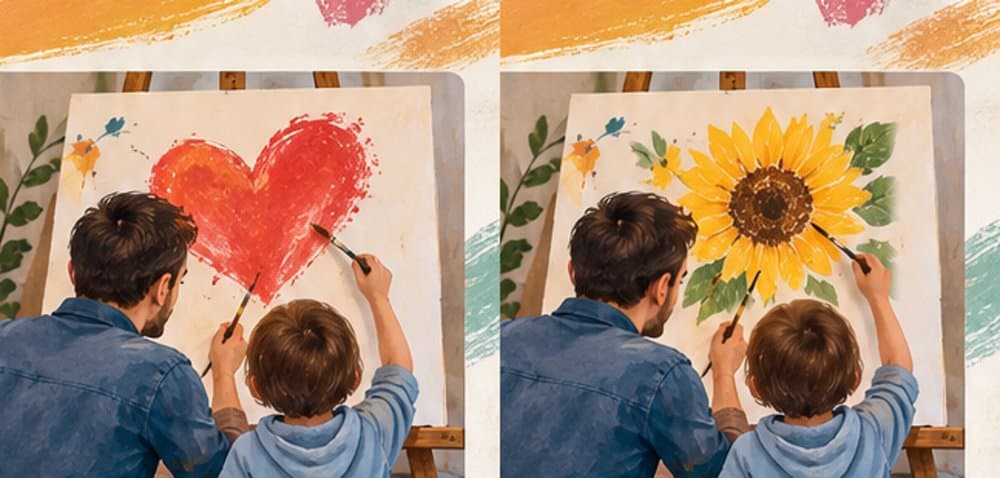
Select an element and describe its replacement to repaint products, icons, or decorations, naturally blending with lighting and background.
Select text in your poster, enter replacement copy, review the bounded region, and let AI repaint the lettering cleanly.
Select an object and describe its replacement to update products or graphics while preserving overall scene harmony.
Freely position text and image layers, generate custom poster QR codes with one click, and seamlessly integrate them for promotions and social sharing.
Review the outlined dashed bounding box before confirming changes. Drag to refine boundaries for pinpoint accuracy.
Undo, redo, or restore the original generated image anytime. Saved designs can be reopened to continue editing.
Export your completed design at its original high resolution in PNG, JPG, or WebP format for print, web, or social use.
01
Describe your concept on the homepage, choose a style, and generate your custom AI poster.
02
Click 'Edit' on the result panel to load your design directly into the editor without regenerating.
03
Make free layout adjustments, or select text and objects for AI-powered selective modifications.
04
Save your edits and download in high-definition PNG, JPG, or WebP for social media, marketing, or print.
Choose a generated poster in My Creations, open Edit, then click the content you want to change with AI. The price is shown before you confirm.
Choose My PosterExplore diverse poster concepts and styles in our gallery, find inspiration, and generate your own design.
Browse Gallery