AI Poster Generatorto Make and Edit Posters
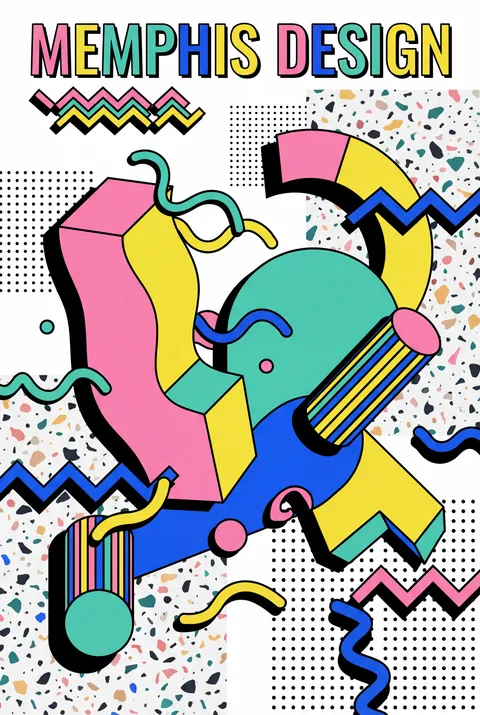
Printable Memphis Italian Vibrant Art
memphis
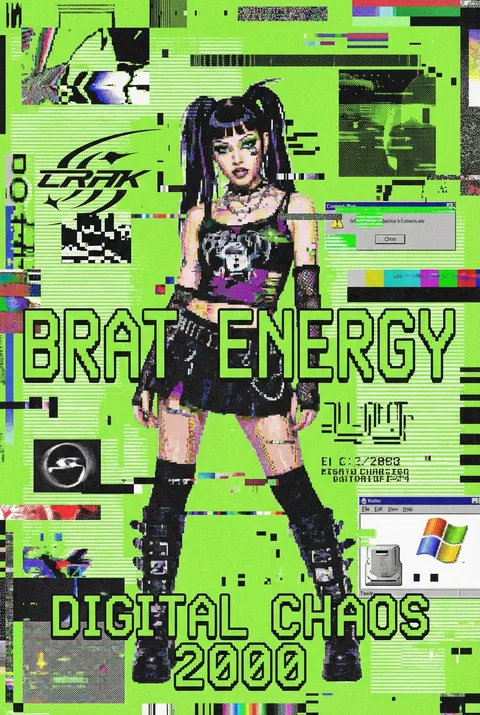
Brat Style Glitch Art Interpretation
brat-style
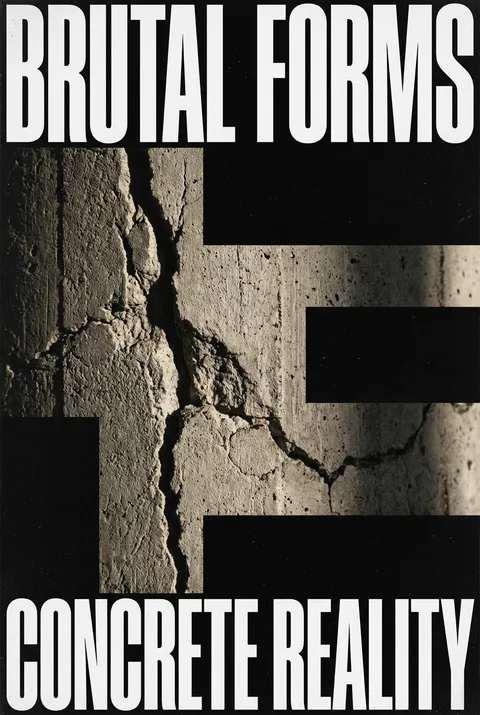
Brutalist Macro Texture Raw Art
brutalist
Generate Your Poster
Describe your idea, choose a style and size, and review the generated poster inside the current product flow.
Built-in Poster Editor
Select text or an object in your poster and describe your change to edit it with AI. You can also add text, upload images, adjust the layout, and save and download a PNG.
- Edit Poster Text with AISelect text in your poster image and enter new wording to update a headline, event date, or promotional message.
- Replace Objects with AISelect an object and describe its replacement to update a product, decoration, or another part of the image.
- Layout Adjustments & QR CodesAdd text, upload images, and freely refine your layout; generate custom campaign or social QR codes directly onto your poster, and export the finished design.
Browse by Style
Explore our collection of AI-generated poster styles. From cyberpunk to minimalist, find the perfect aesthetic for your project.
Featured AI Posters
Discover public posters collecting likes and climbing the community leaderboard.
Printable Memphis Italian Vibrant Art
Brat Style Glitch Art Interpretation
Brutalist Macro Texture Raw Art

Duotone Silhouette Basketball Player
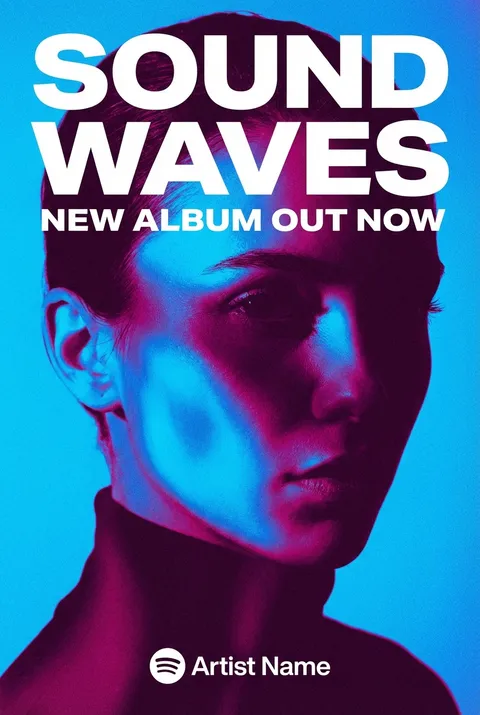
Blue Duotone Portrait Poster
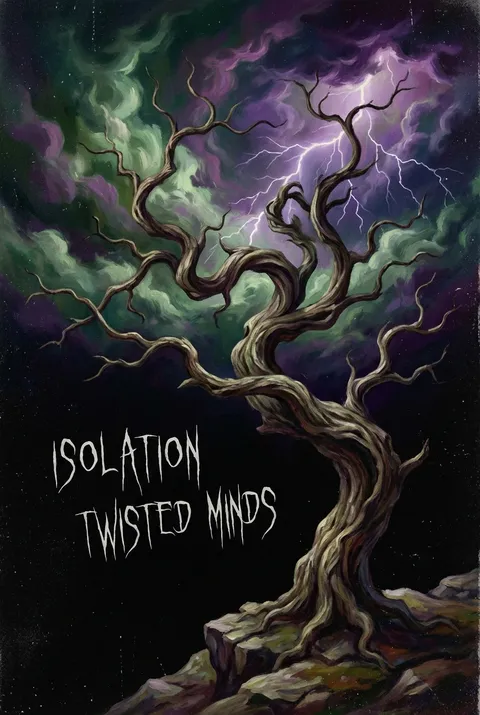
Expressionism Swirling Sky Dark
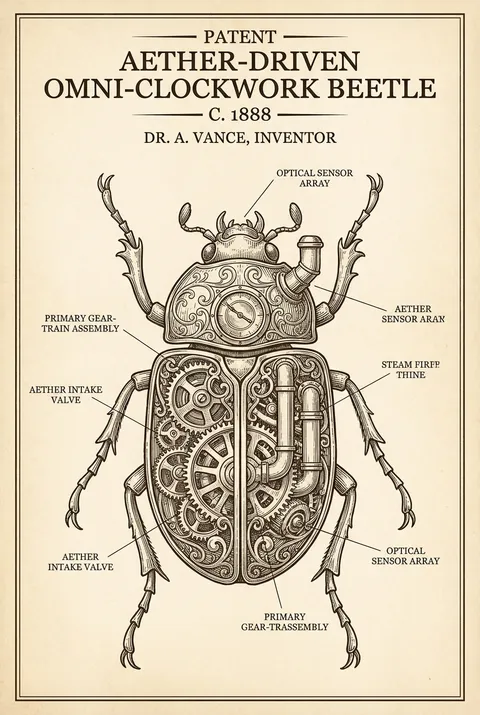
Blueprint Fictional Victorian Mechanical
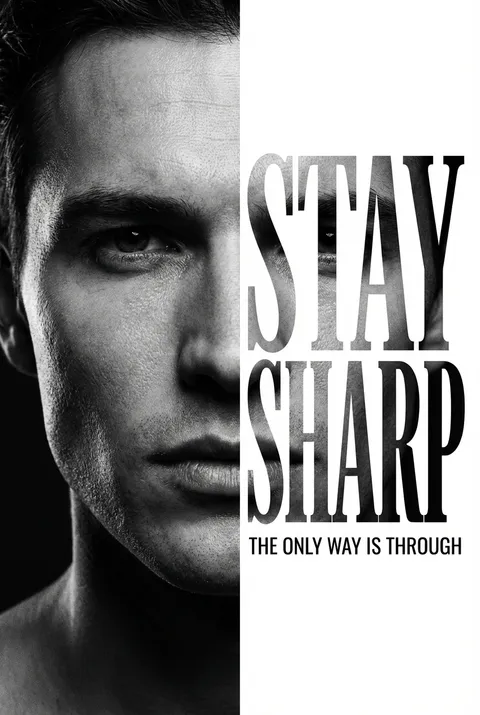
Corporate Clean 9 16 Vertical
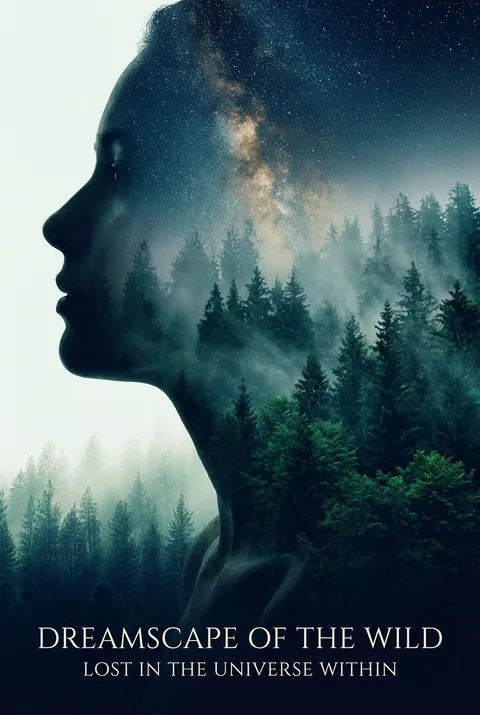
Double Exposure Silhouette Blue
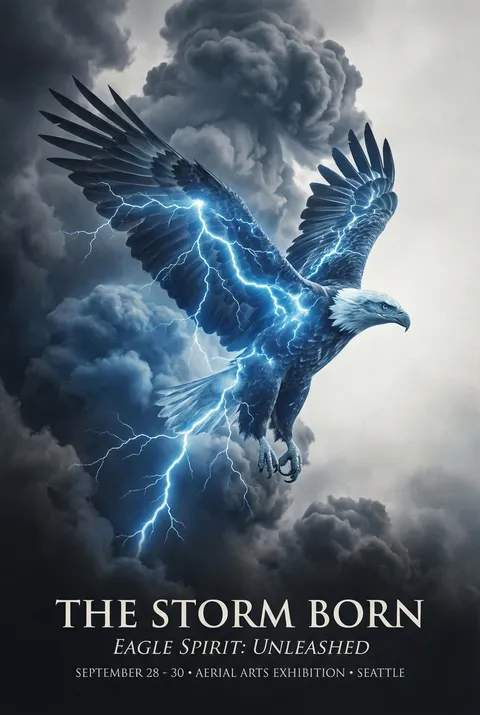
Double Exposure Soaring Eagle
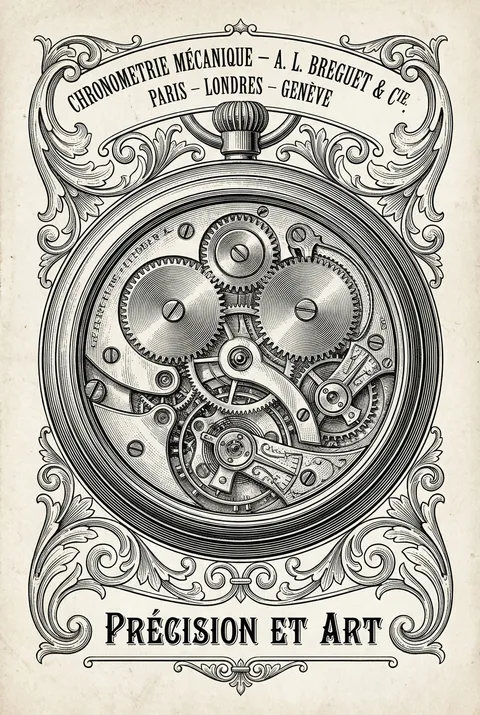
Engraving Technical Style Fine
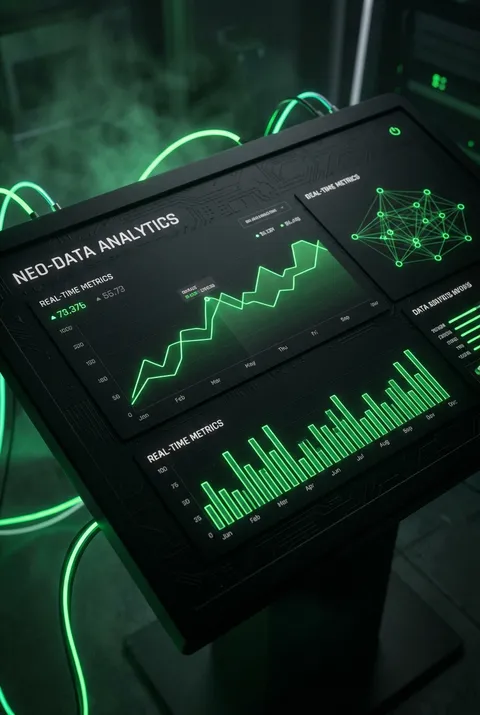
Dark Mode Matte Black Surface
From Brief to Poster Workflow
Skip complex design software for the first draft. Start from a brief, choose a mode, and move into a visible poster workflow with supporting tools and examples.
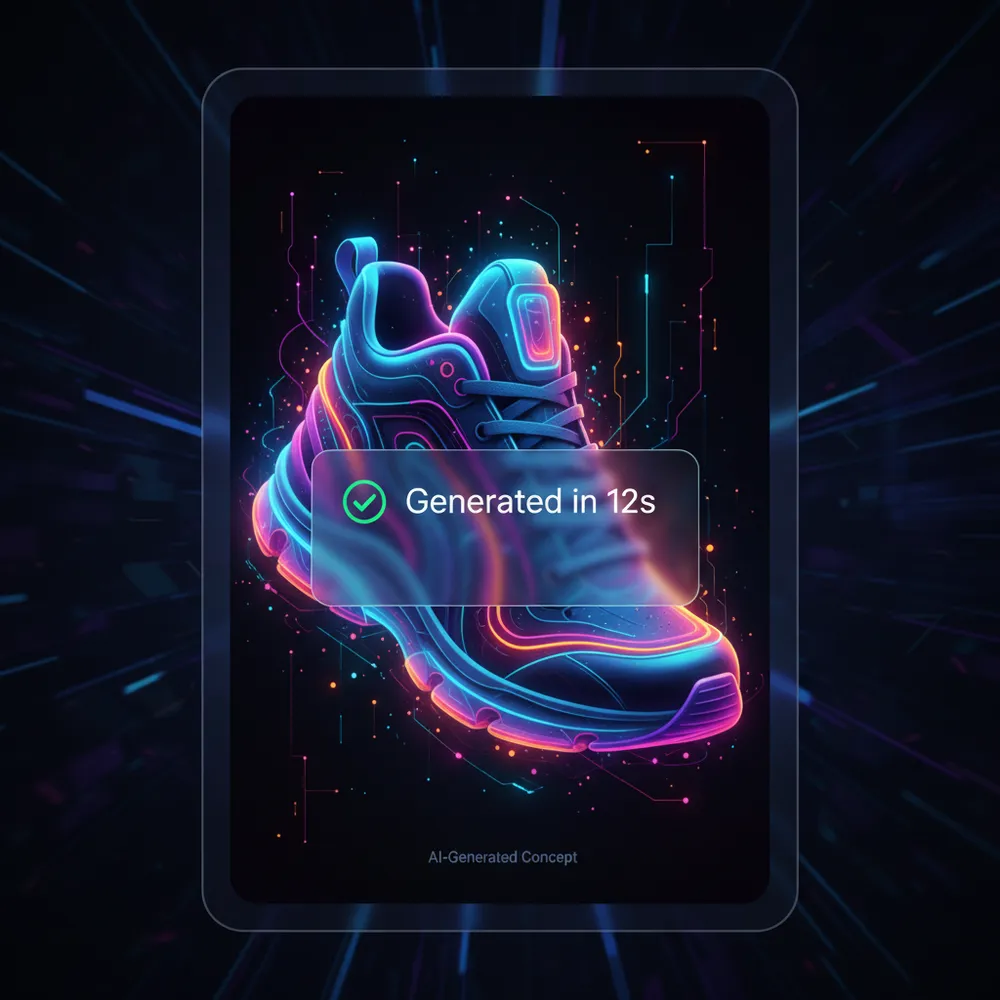
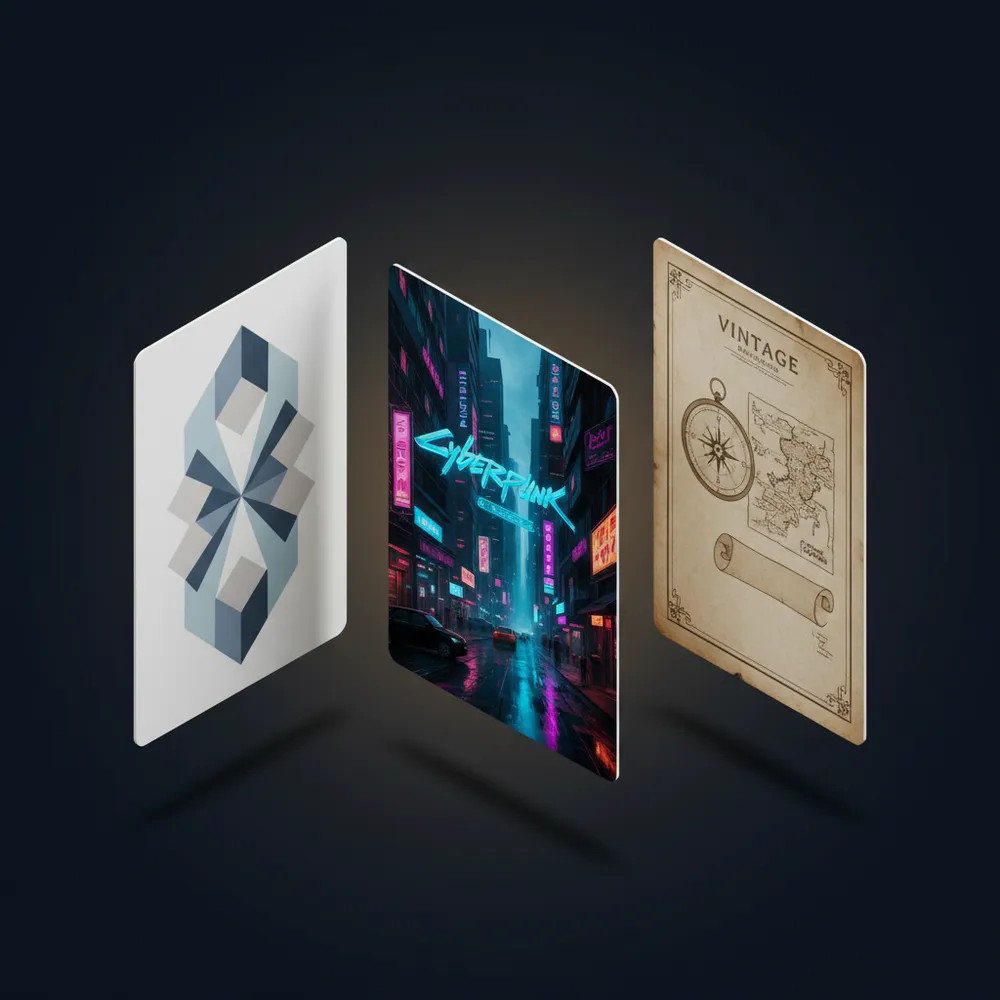
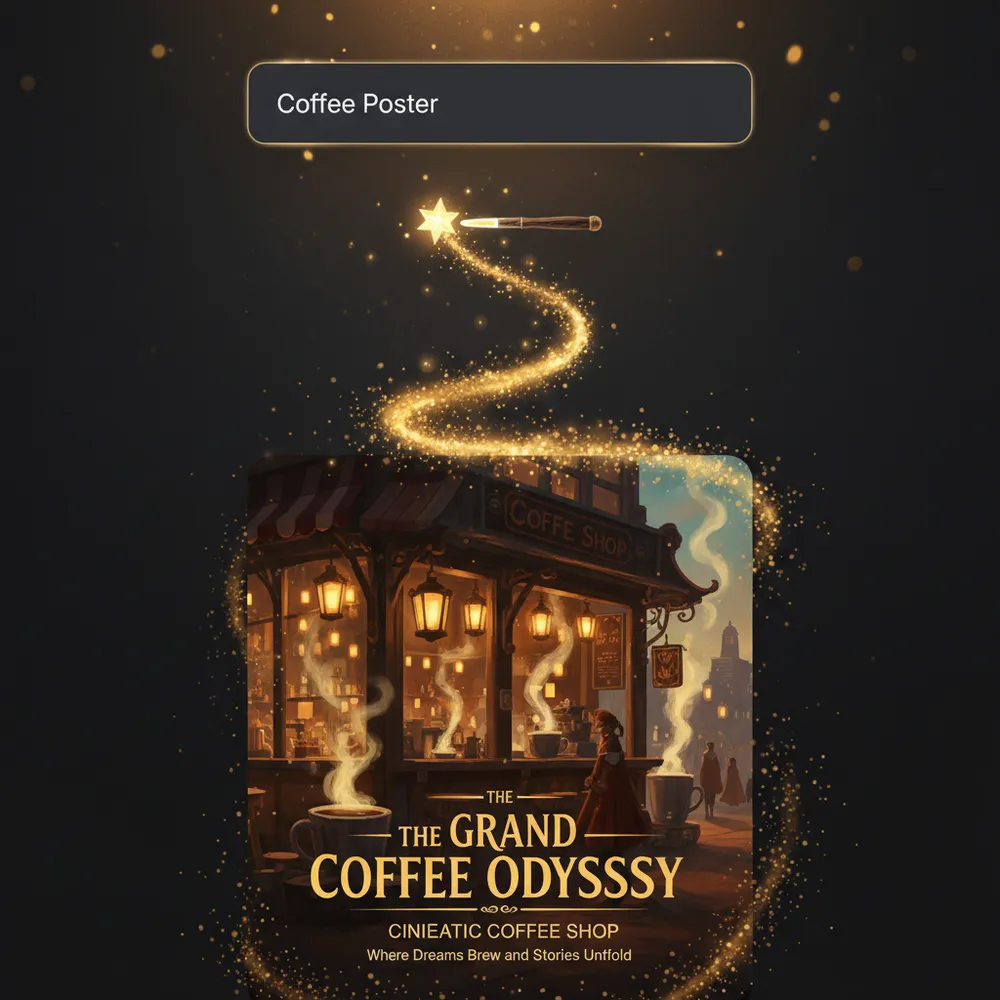
Poster Creation Workflow
Describe your idea, generate a poster, then edit text or objects, adjust layers, add a QR code and export your saved design.
All-in-One AI Poster Creation Platform
Prompt enhancement, style browsing, poster sizes, built-in editing, and image tools for an end-to-end poster workflow.
Smart Prompt Optimizer
Transform basic text into AI-optimized prompts with one click. Get richer details, better composition, and higher-quality results automatically.
Explore Poster Styles
Browse our curated gallery, collections, and diverse style categories to find the perfect visual direction for your poster.
Flexible Creation Modes
Choose Direct Mode for total control or Smart Mode for AI-enhanced creativity. Perfect for beginners and design pros alike.
Poster Sizes & Aspect Ratios
Generate designs in common poster aspect ratios (1:1, 3:4, 9:16), perfectly tailored for social media, marketing flyers, and digital displays.
Built-in Poster Editor
Review and refine your generated poster on demand. Modify text or objects with AI, and adjust layout and image elements before saving.
Image Conversion & Compression Tools
Access handy companion tools for image format conversion, lossless compression, and quick post-processing after export.
Public posters can earn credits from likes
Share approved posters to the community, collect likes, and compete on the weekly leaderboard. Milestones are concrete: 10 likes = 10 credits · 30 = 30 · 100 = 100.
Private posters never enter community ranking. Public review is required before likes count toward rewards.
AI Poster Generator FAQ
Need support or product details? Review the current FAQ and public help routes first.
Is there a free version of AI Poster Generator?
Check the current pricing page for the latest plan and usage details. That page is the source of truth for public plan information.
Do I need design skills or prompt engineering?
You can start with a short brief and use the current generation modes to iterate. The workflow is explained in How It Works.
What kind of poster styles can I create?
Use the gallery, collections, and category routes to review the currently public style directions and examples.
What should I check before commercial use?
Review the output carefully and confirm the current usage terms before using a poster in client work, merchandise, or paid campaigns.
Can I generate posters for Instagram and Print?
Use the generator for poster drafts, then use the public image tools when you need format conversion, compression, or social-media sizing.
How fast can I generate a poster?
Generation time depends on the selected mode and current load. Review the result in the product before deciding whether you need another pass.
Can I edit posters after generation? How do credits and export formats work?
Only standard posters (1K/2K) generated here that show an “Edit” button in My Creations can be reopened in the editor. Some older creations have no editing entry and cannot be edited directly. Manual text, image layer, and layout adjustments are free; AI text modification and object replacement use credits per request. 4K posters are currently download-only. Edited designs can be exported as PNG, JPG, or WebP.
What features does the editor support? Are mobile and QR codes supported?
Supports AI text modification, AI object replacement, poster QR code generation, and free manual layer manipulation and layout adjustments across desktop and mobile browsers.
Start a New Poster Brief
Start a new poster brief, review examples, or move into the public image tools from here.