One poster, a new layout
Rearrange text, artwork and QR codes into a separate design at a new aspect ratio. Keep your original, then edit and download the result.
Independent layers are free. Whole-image AI costs 2 credits per result; confirm the quote before starting.
See independent layers rearrange
The same text and QR code move to fit the selected canvas.
1:1 · Square post
Independent layers, rearranged directly
With separate text, image and QR layers, rearrange their positions without AI. Native text remains editable.
Independent layers are freeA complete image, rearranged with AI
Words inside an image stay part of that image. AI redraws lettering and detail. Check the content and QR codes; the quote and delivery show actual pixels.
Whole-image AI: 2 credits per resultSame image, a real layout result
The original CITY SOUND poster and its actual square AI result. Compare the headline, event details and stage in the new canvas.
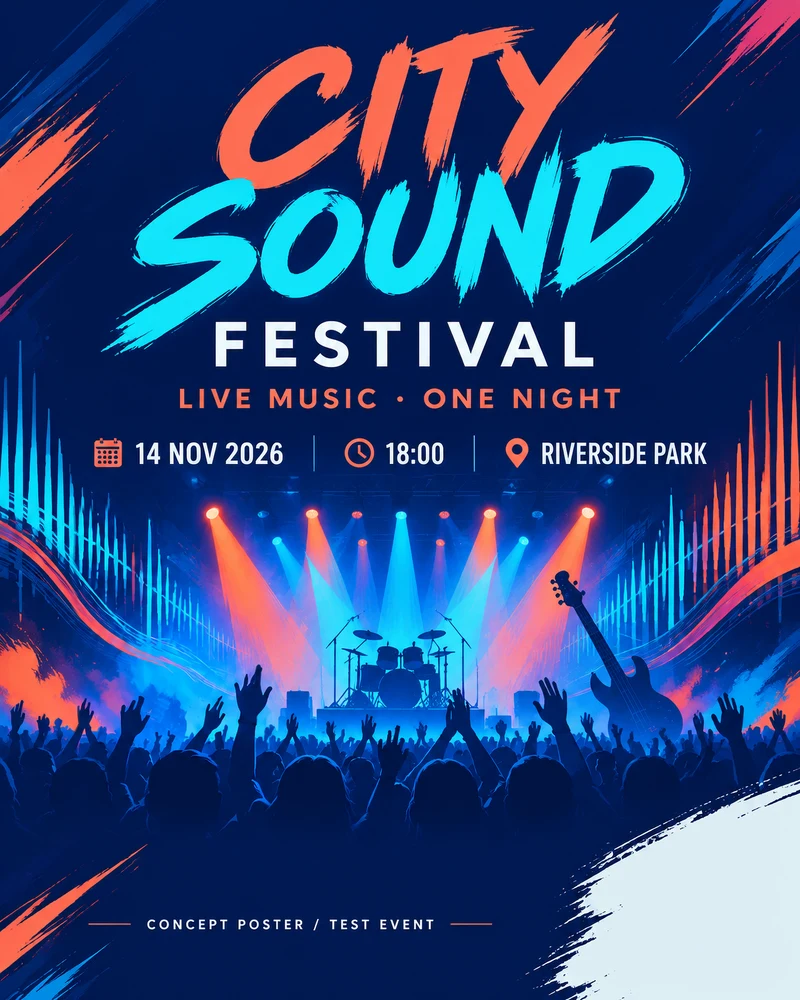
Original · 4:5
2048 × 2560 px
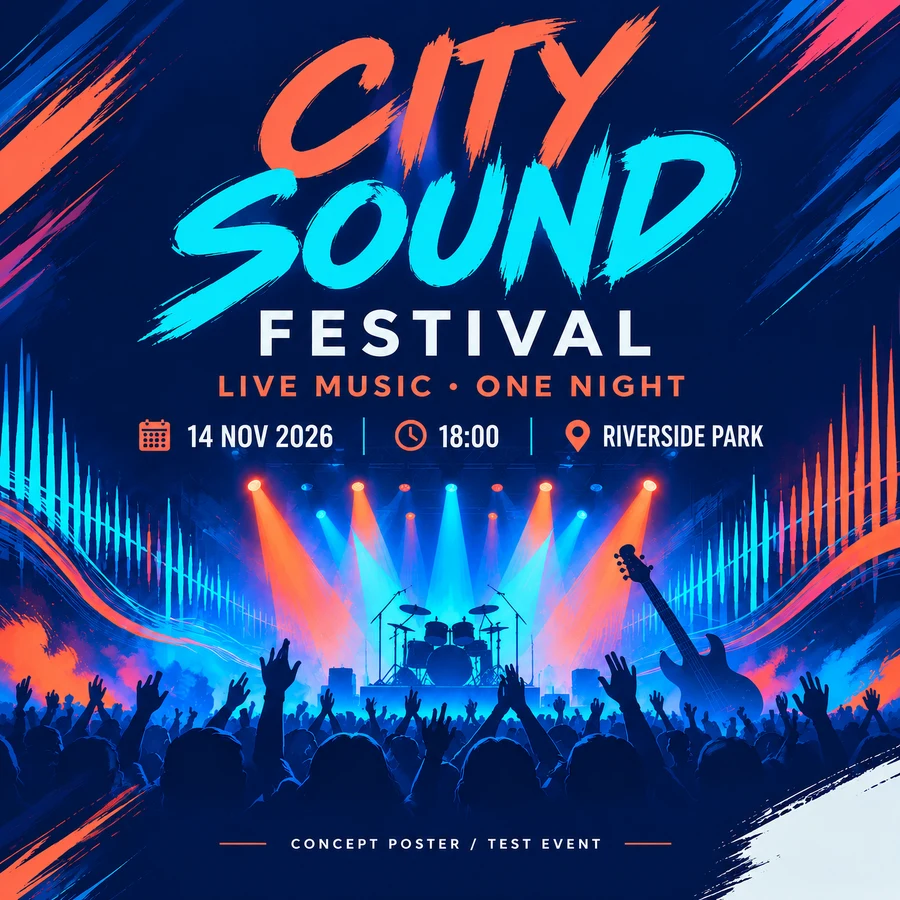
AI square result · 1:1
2048 × 2048 px
AI redraws lettering and detail. Check the words and artwork before using the result. Words inside the image do not become editable text layers.
From the original to a new canvas
- 1
Choose a poster and ratio
Open an original in My creations and select 1:1, 16:9 or 9:16.
- 2
Confirm the quote
Independent layers are free; confirm 2 credits for a whole-image AI result.
- 3
Use the new copy
Check the result, edit and save it, or download PNG, JPG, WebP or PDF.
Before you rearrange
One ratio per result: 1:1, 16:9 or 9:16. Existing eligible 1K/2K designs are supported; 4K remains download-only. AI does not promise lossless pixels or lettering, or turn picture text into editable layers.
Only changing pixel dimensions? Use the image resizer →