/
50,000 张海报已创建

3D气泡字 风格海报

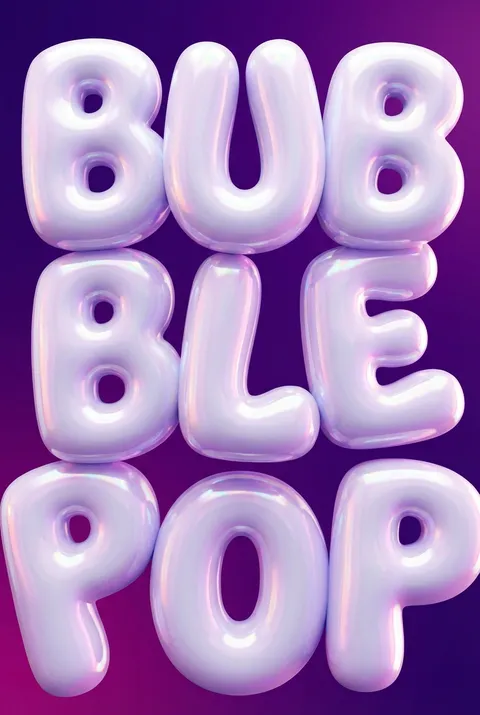
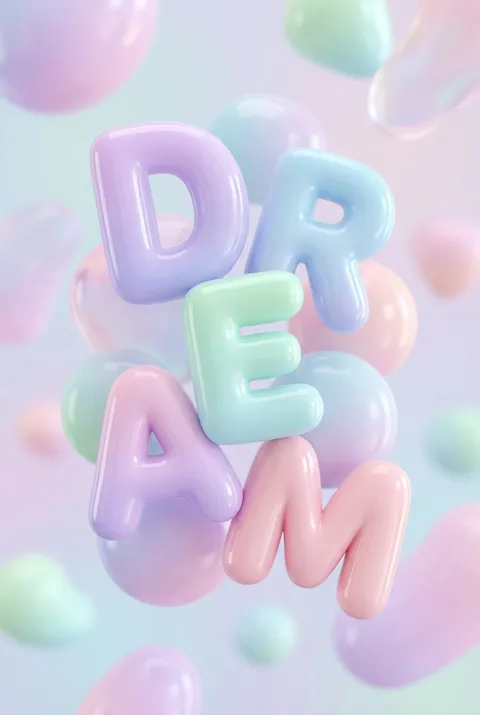
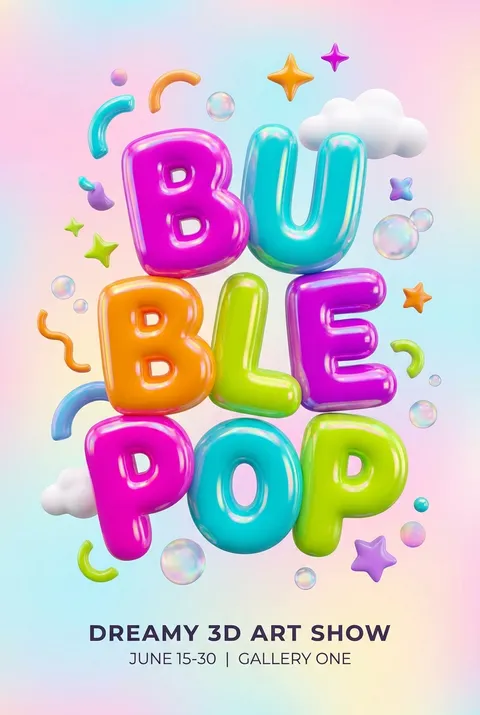
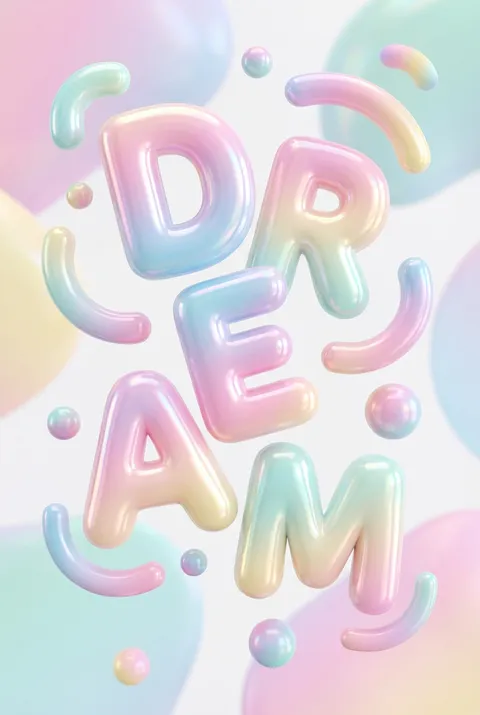
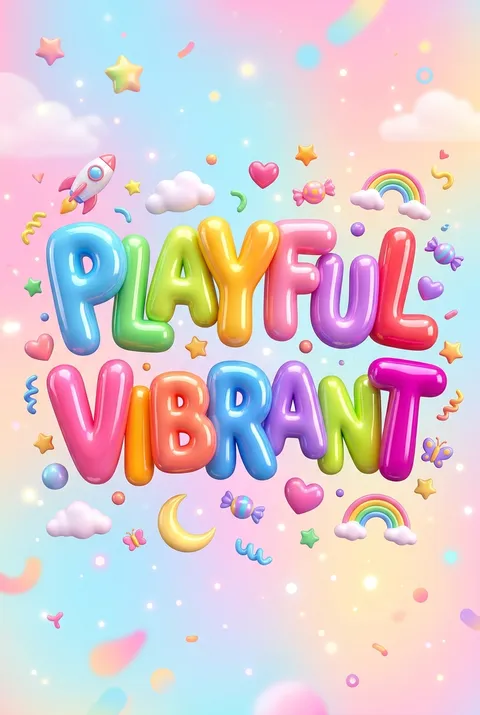
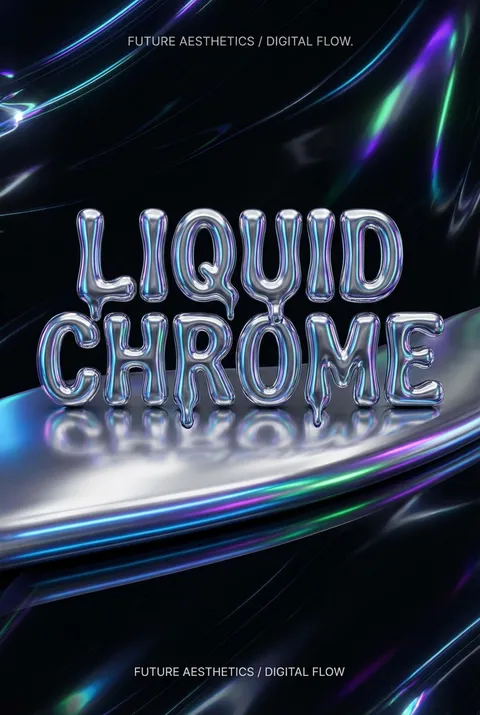
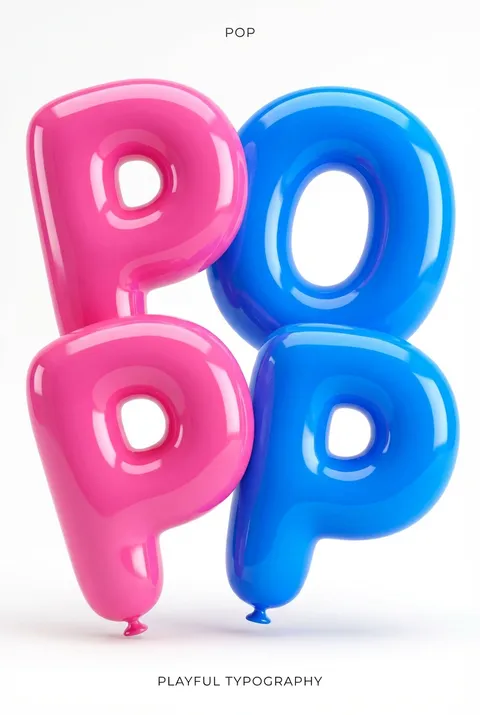
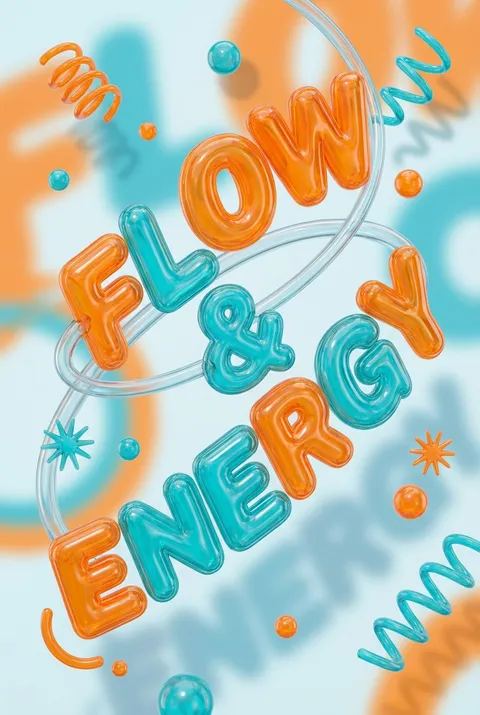
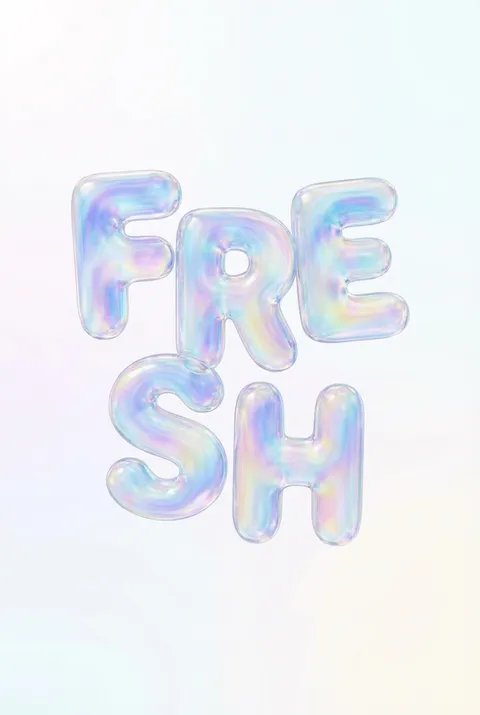
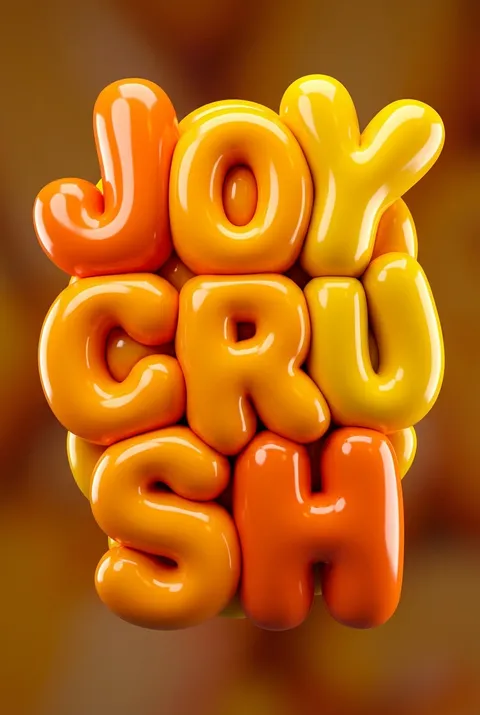
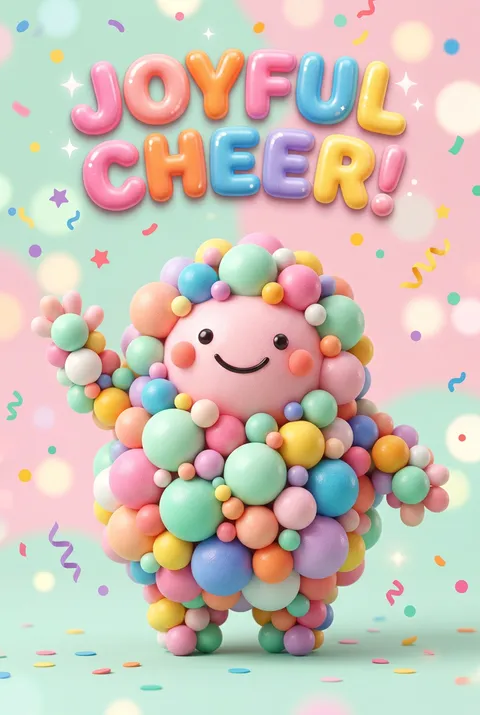
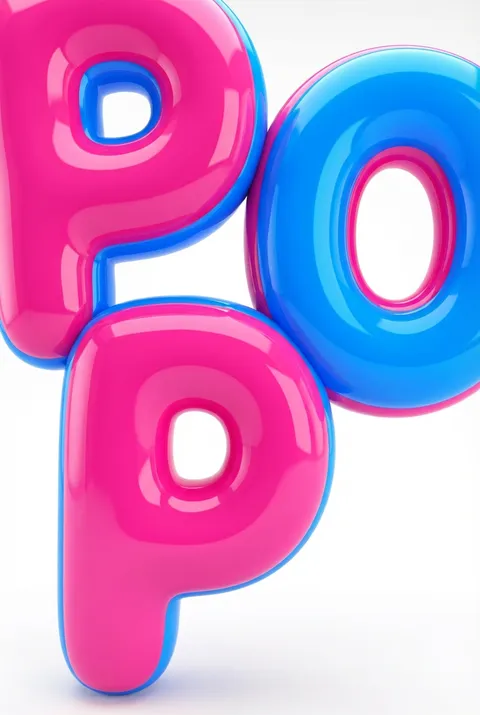
3D气泡字源于20世纪90年代末的数字实验,并深受早期纽约涂鸦文化的影响。其设计理念在于将字体转化为感官体验——字母被塑造成充满趣味的立体物体,具有夸张的高光、柔和的阴影和糖果般明亮的色彩,营造出令人愉悦、仿佛可以触摸的视觉享受。

新用户注册赠送5积分,无需信用卡
商用授权随时取消

立即创建 3D气泡字 海报

用 AI 几秒生成专业 3D气泡字 设计。无需设计技能。

开始创作
风格指南

探索 3D气泡字?

3D气泡字源于20世纪90年代末的数字实验,并深受早期纽约涂鸦文化的影响。其设计理念在于将字体转化为感官体验——字母被塑造成充满趣味的立体物体,具有夸张的高光、柔和的阴影和糖果般明亮的色彩,营造出令人愉悦、仿佛可以触摸的视觉享受。
3D气泡字 风格海报示例

观看:30秒创建海报

如何创建 3D气泡字 海报

1

选择您的风格

浏览我们精选的视觉风格,选择最能体现您创意方向的一款。

2

描述您的 3D气泡字 创意

输入您想要的画面描述。我们的 AI 会分析并融合 3D气泡字 风格的精髓。

3

生成并下载

让 AI 发挥魔力。几秒后即可获得高分辨率图片。

为什么选择我们的生成器

专业级功能,人人可用

秒速生成

无需等待。AI 技术让您瞬间获得结果。

商用授权

免费用于个人和商业项目,无隐藏费用。

完全可控

调整提示词、风格和参数,精准实现您的创意。

高清输出

可用于印刷的分辨率,细节清晰锐利。

3D气泡字 风格指南

关于 3D气泡字 设计

3D气泡字源于20世纪90年代末的数字实验,并深受早期纽约涂鸦文化的影响。其设计理念在于将字体转化为感官体验——字母被塑造成充满趣味的立体物体,具有夸张的高光、柔和的阴影和糖果般明亮的色彩,营造出令人愉悦、仿佛可以触摸的视觉享受。

3D气泡字的历史

The 3D Bubble Text style emerged from the convergence of graffiti culture and digital design tools in the late 1990s. Street artists had long experimented with inflated letterforms—bubble letters were a staple of New York subway graffiti since the 1970s, pioneered by writers like Phase 2 and Blade. However, the translation into three-dimensional digital space occurred during the Y2K era when software like Cinema 4D and Bryce 3D became accessible to designers. The early 2000s saw designers like Neville Brody and Stefan Sagmeister incorporate dimensional typography into commercial work, though the truly "inflated" aesthetic gained mainstream traction through music industry graphics and MTV's visual identity. The style experienced a significant revival around 2018-2020, driven by artists like David Rudnick and studios like Extraset, who embraced the glossy, almost edible quality of balloon-like letterforms. Today, 3D Bubble Text represents a post-ironic celebration of digital excess, frequently appearing in social media graphics, album artwork, and brand campaigns targeting Gen Z audiences who appreciate its nostalgic yet fresh visual language.

设计哲学

3D Bubble Text poster design embraces maximalism and tactile illusion—letters should appear so inflated and glossy that viewers feel compelled to touch them. The philosophy centers on transforming typography from mere communication into physical sensation, creating what designers call "visual ASMR." Core principles include exaggerated specularity (the shiny highlights that suggest plastic or latex surfaces), soft ambient occlusion in letter crevices, and color palettes that evoke candy, toys, or cosmetics. The emotional goal is instant delight—a momentary escape into a playful, frictionless world where even text becomes something joyful and approachable.

3D气泡字 常见问题

快速了解 3D气泡字 风格海报创作的关键细节。

如何用PS的3D功能制作立体海报?

可以通过PS中的3D功能制作立体效果海报,整个海报极具设计感。在挑图的时候可以挑颜色比较鲜艳的,这样比较出效果。具体步骤包括:找一张色彩饱和度高的图片,在菜单栏中选择3D-从图层新建网格-深度映射-平面,然后通过3D视图调节画面尺寸、透视关系、调整图片位置等。

如何在Illustrator中制作立体字效果?

在AI软件中,可以通过外观面板结合3D凸出和斜角效果创造立体字。选中填色项,点击面板下方添加新效果按钮,添加3D凸出和斜角效果。在Illustrator中执行效果>3D凸出和斜角菜单命令,打开调整面板,分别对参数进行调整,制作出基本的立体形状。

液态气泡效果在海报中有什么作用?

在画面中添加液态气泡,可以在保证信息识别度的同时,使画面更具有视觉冲击力和空间感。将气泡安排在重点信息部位,还可以起到凸出强调信息的作用。这种效果能让海报更具趣味性和现代感。

3D视觉效果海报设计有哪些技巧?

3D视觉效果的海报设计一直都是设计师们比较热衷的表现手法,将字母或者图案加上阴影效果,让主视觉画面凸出来。或者融入几何的图形元素,将平面的主视觉变得立体化。这种技法能够增强画面的层次感和视觉冲击力。

如何制作立体字叠加复制效果?

制作立体叠加效果可以:打出字母,变成选区,再变成路径,填充路径黑色,描边路径白色,自由变换+扭曲。然后按住shift+alt不放,不断点击↑按键进行批量复制。这样可以快速创建具有层次感的3D立体字效果。

准备好设计你的下一张海报了吗?

开始创作